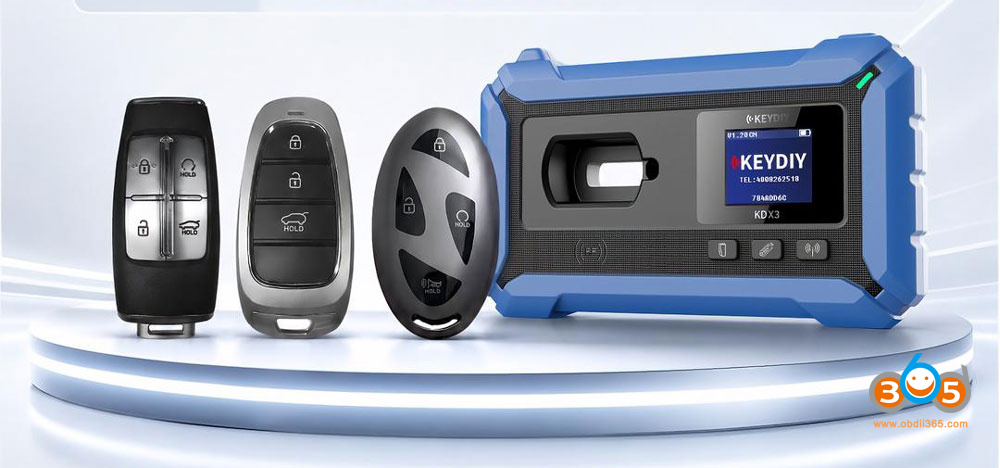
Keydiy KD-X4 July 2026 Update: Direct ZB Remote programming for New Hyundai & Kia – No Pre‑Generation Required.
A new “Identify key and generate (No Pre‑Generation, Direct KD ZB remote generation)” feature has been added, which resolves the complex selection process for key and remote programming on the latest Hyundai and Kia ID47 and 4A smart key system vehicles.
After the upgrade, there is no need to manually select programs or generate remote in advance.
By using the ZB remote and identifying the VIN or original key information, the device will automatically match the corresponding dedicated remote program.
This greatly simplifies the operating steps and significantly improves programming efficiency.
NOTE:
This feature is only supported on ZB68 remote and later versions. Older models prior to ZB67 are not currently supported.
Example:
Add 2026 Hyundai Elantra smart key
Go to IMMO Programming- Hyundai or Kia- select from vehicle- select region-Program smart key- select any available type.
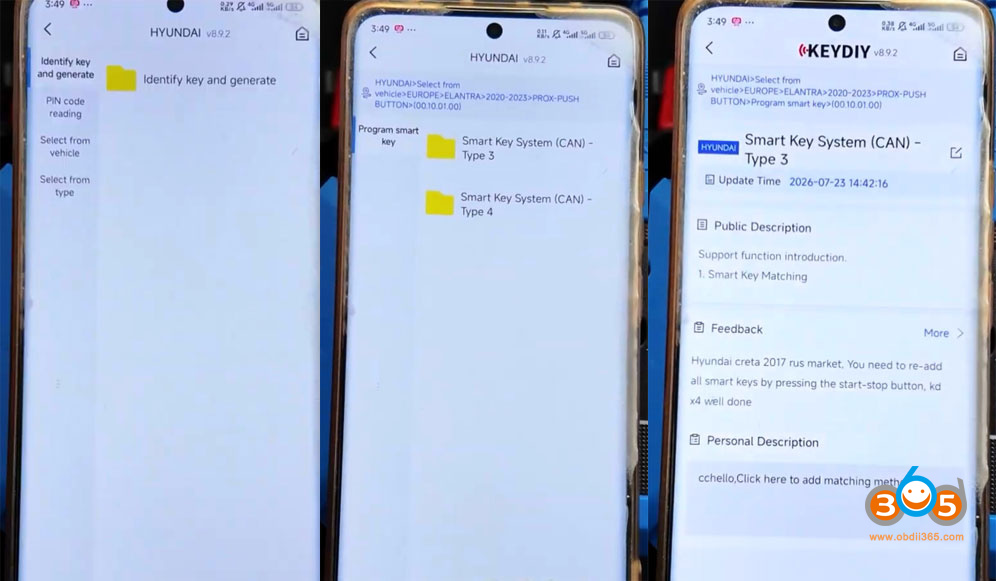
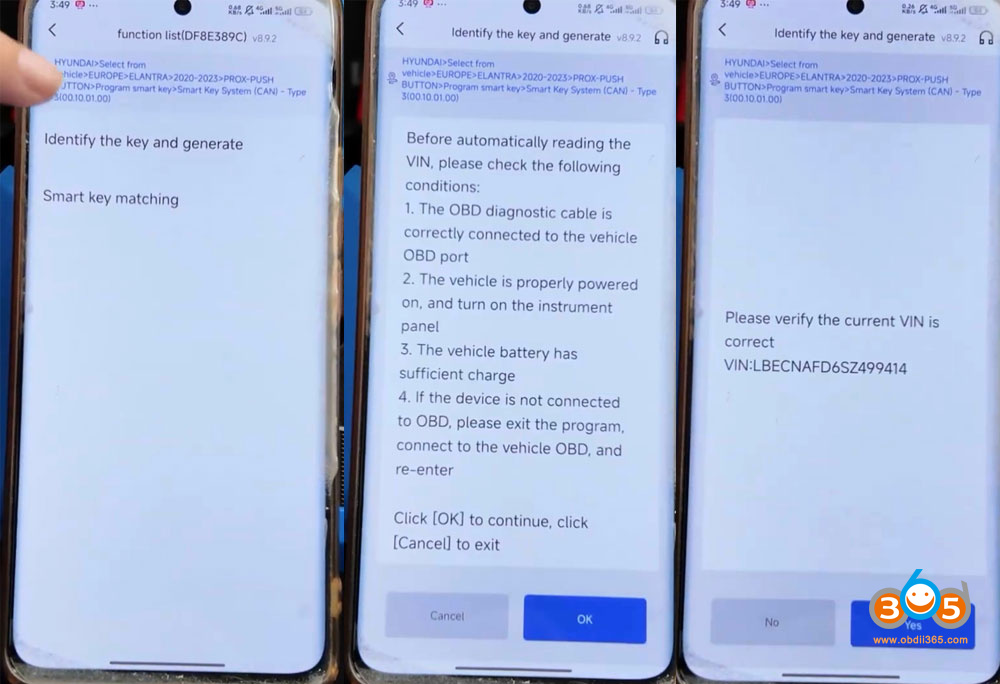
Choose Identify the key and generate.
Connect the KD-X4 with vehicle via OBD.
Read VIN and confirm.
Place the original vehicle key into the KD-X4’s induction coil and read key data.
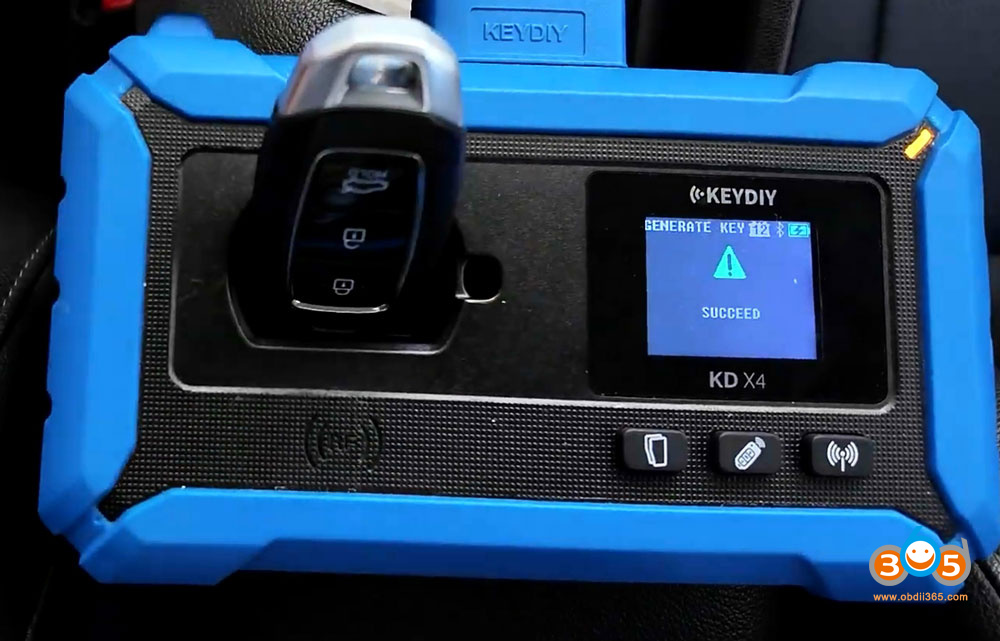
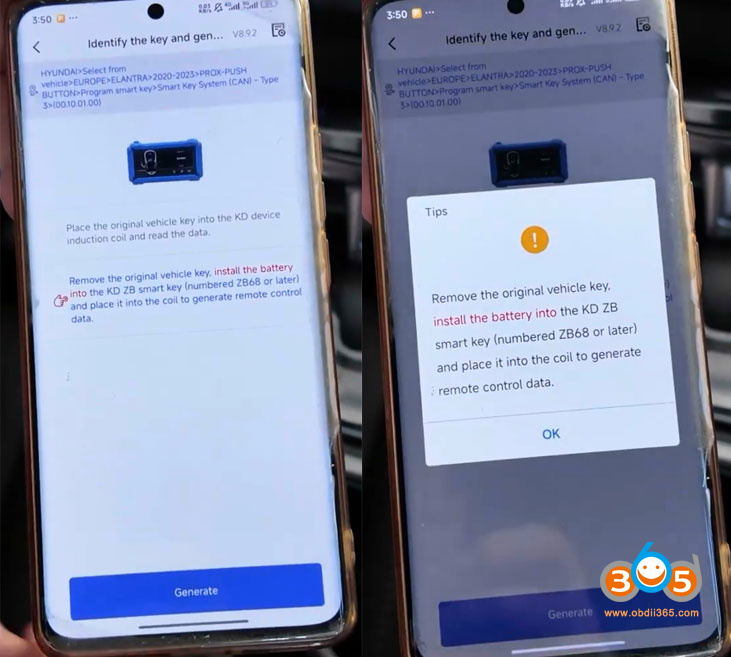
Then remove the original key.
Install the battery into the KD ZB smart key. Place the ZB68 remote into the coil to generate remote control data.
No need to manually choose a remote program to generate. KD will generate the remote automatically according to the original key data.
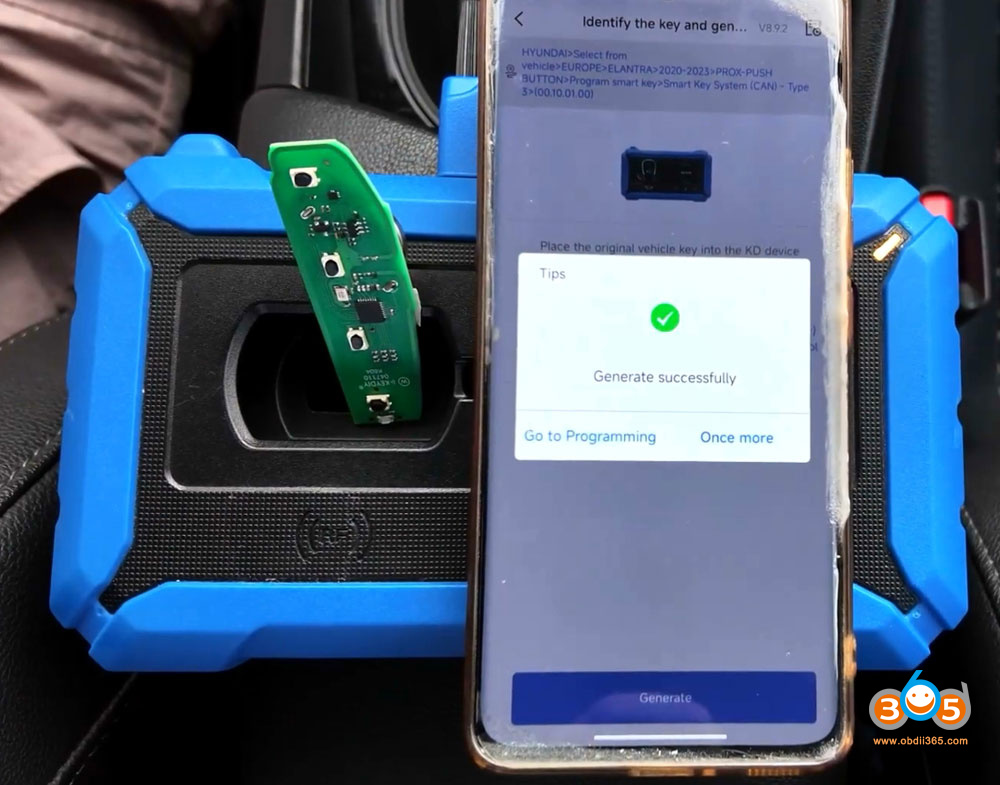
After generating the KD remote, go to Smart key match programming and follow KD prompts to finish key programming.
Video guide: