How to generate the same Part number smart key to a 2020 Hyundai Elantra using EoneBoss HK001 key tool.
The HK001 paired with the EoneBoss App gives you the ultimate flexibility to unlock, clone, and generate smart keys seamlessly.
Tools used:
EoneBoss HK001
EoneBoss Hyundai smart key
Solder free adapter (HK001 Premium Set comes with 2 adapters; other adapters are optional to purchase)
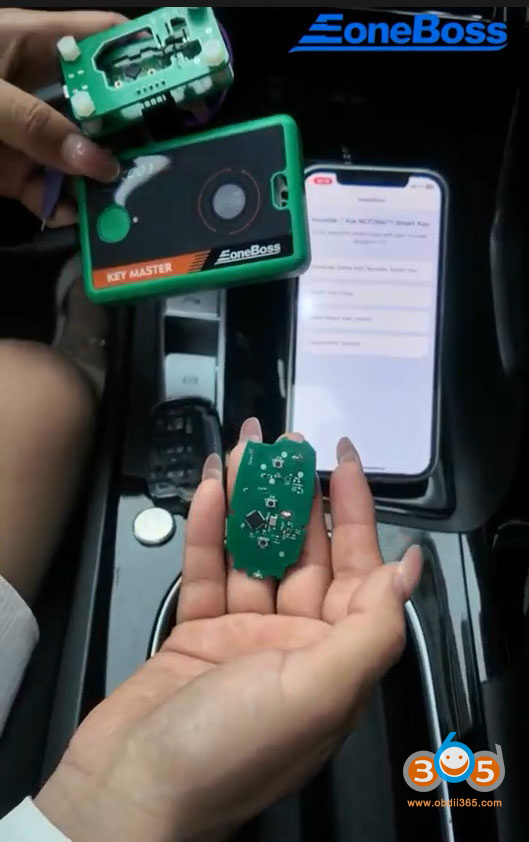
Run EoneBoss App, select device as HK001.
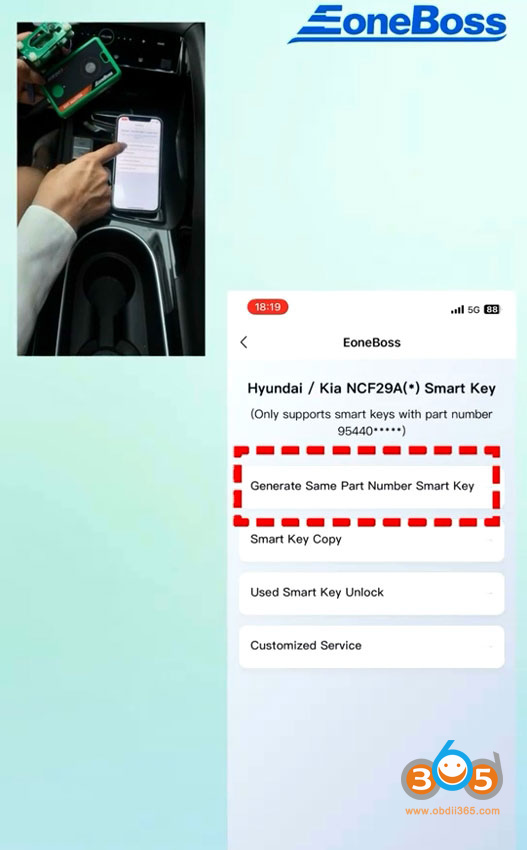
Select Generate Same Part Number Smart Key.
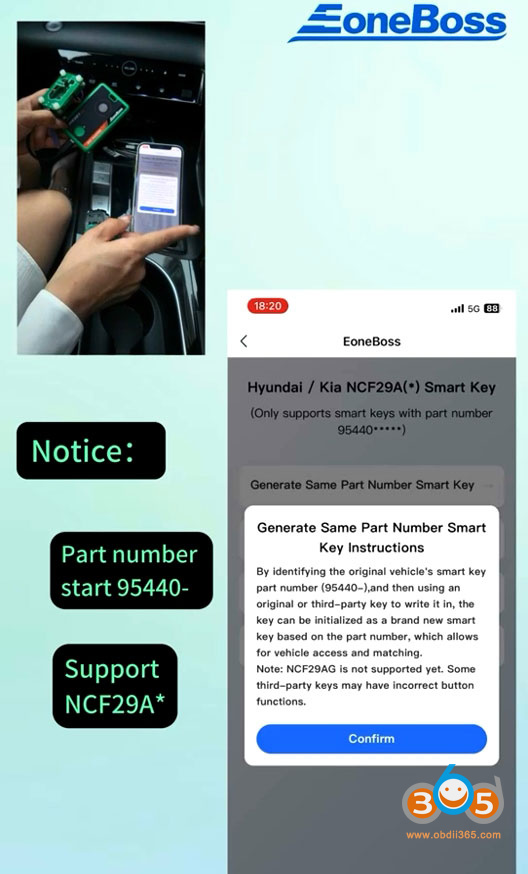
Read instructions. It only generates smart keys with part number:95440- and NCF29Ax chip type.
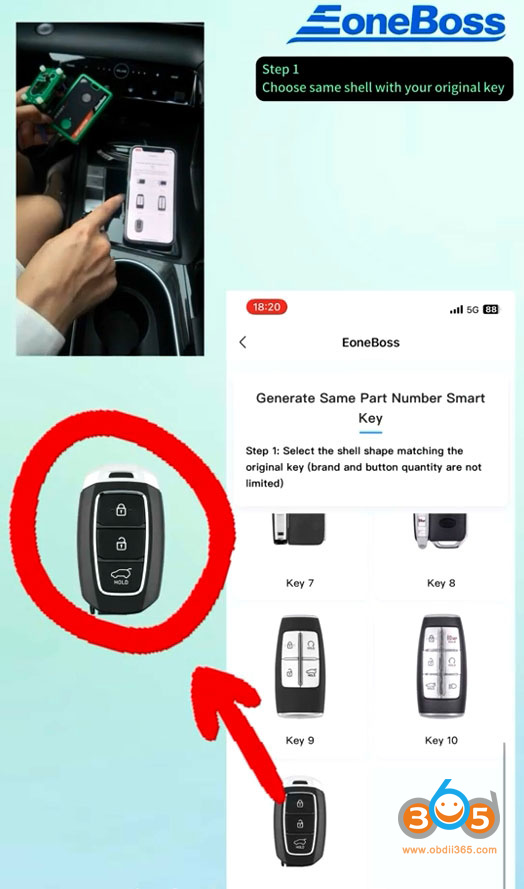
Select the key shell shape matched the original key.
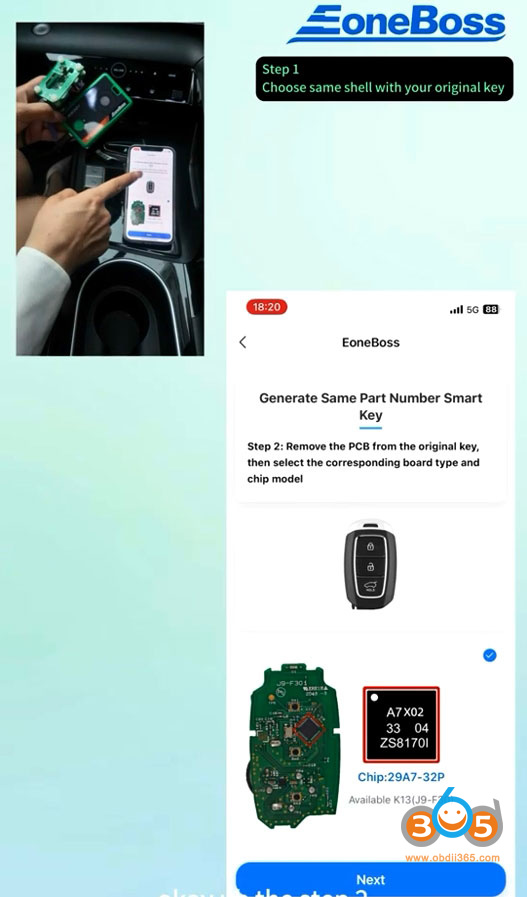
Remove the PCB from the original key, select the corresponding board type and chip model.
Select the corresponding adapter or connect the key as shown in the diagram.
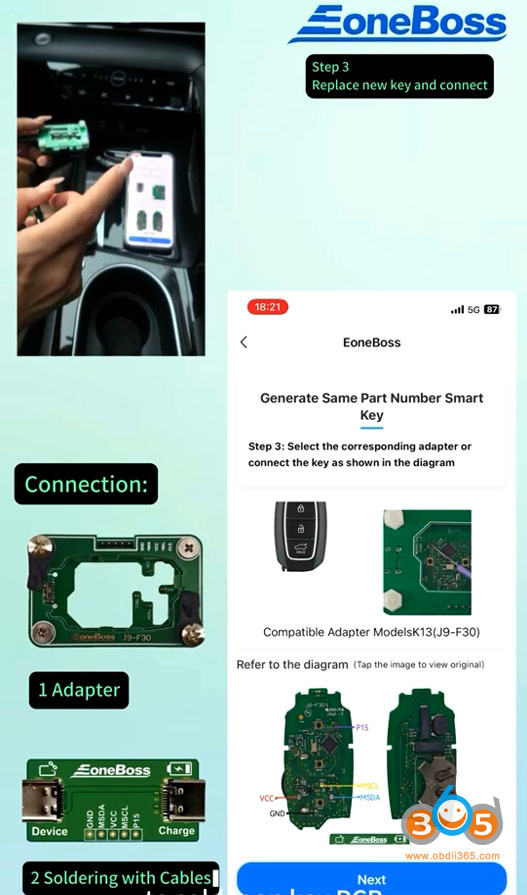
Connect the key with HK001.
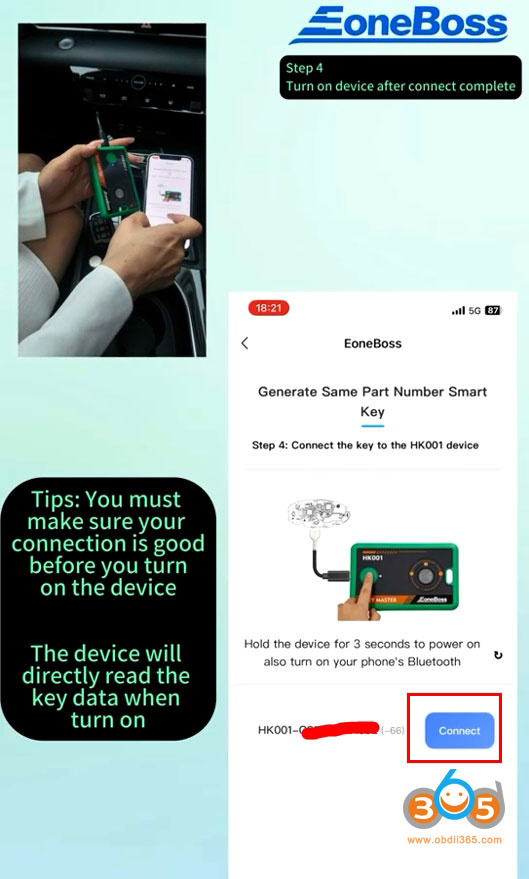
Make sure your connection is good before you turn on the device.
Hold the device for 3 seconds to power on. The device will directly read data when turn on.
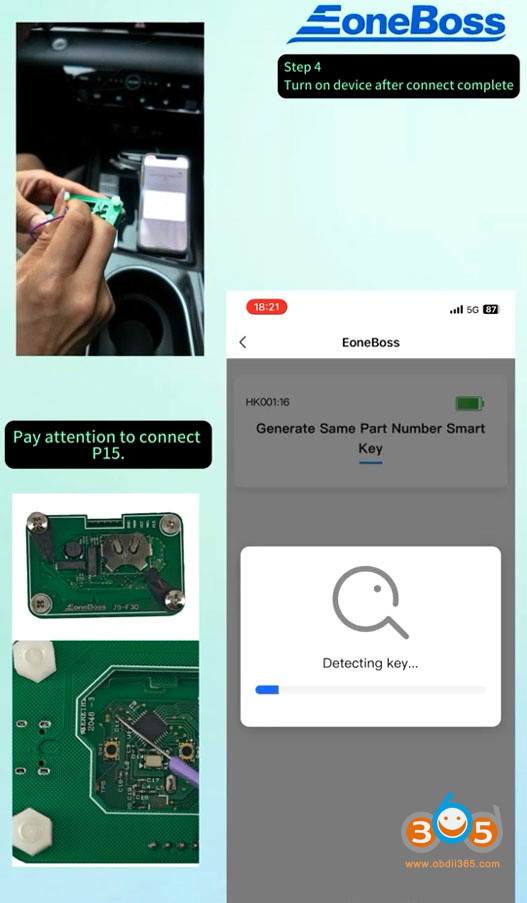
Pay attention to the P15 point.
Read key information successfully.
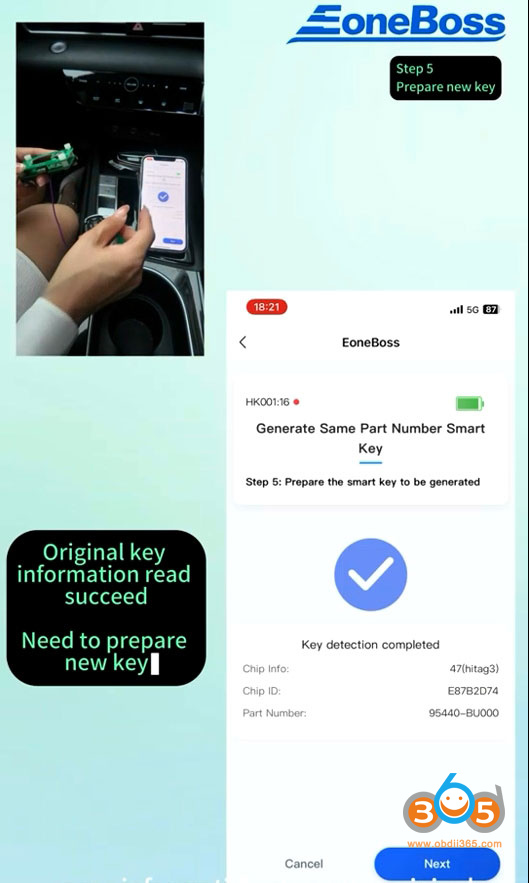
Place new key, take off the battery, connect the Eoneboss key with the adapter.
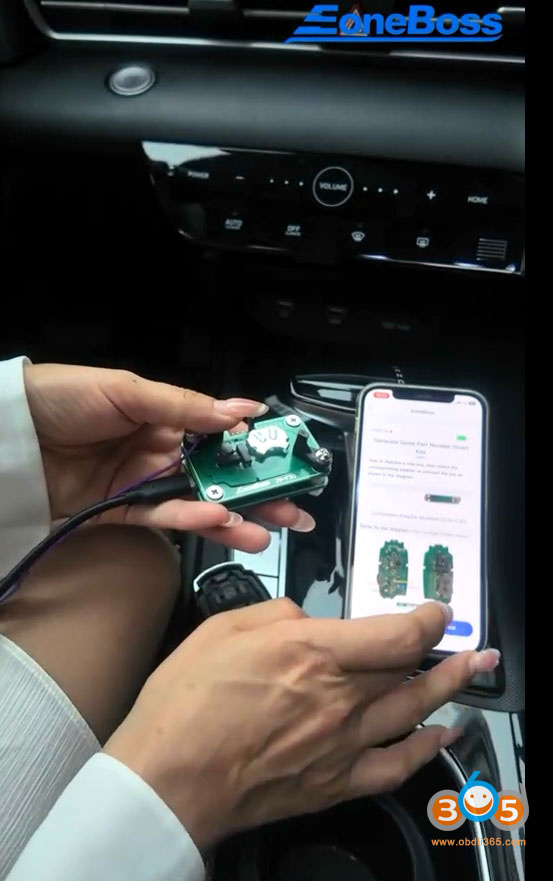
Hit Generate to generate smart key.
When generating the Eonboss key, no need to connect P15.
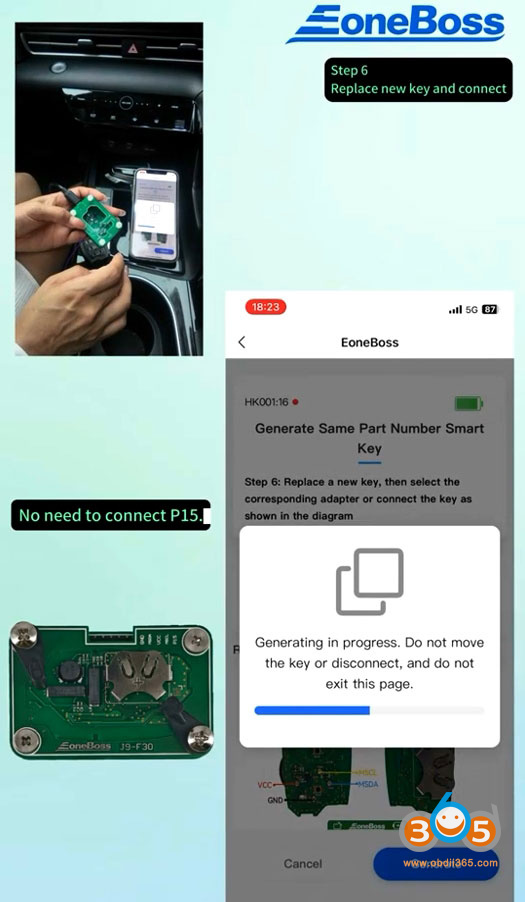
Generate smart key successfully.
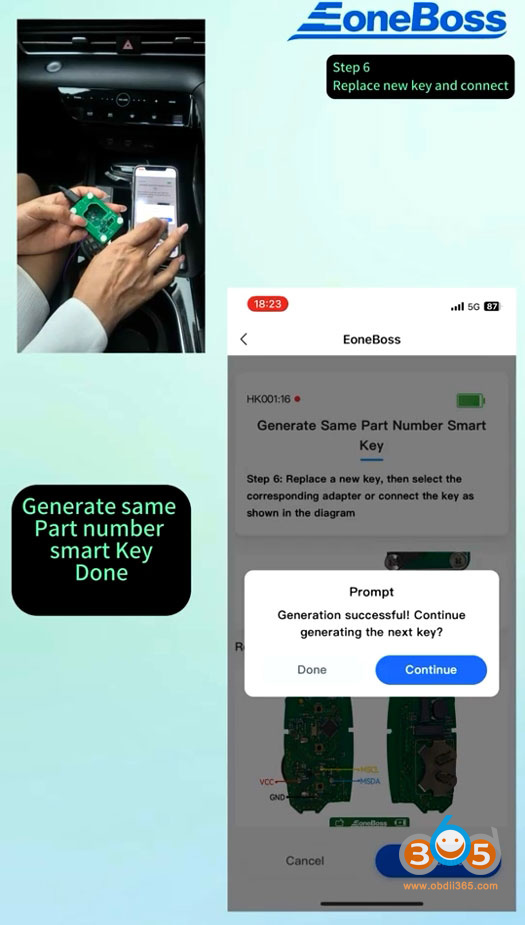
Now you can program key in car with OBD programmers.