How to remove and disassemble the shark fin style key shell of a Buick 4A smart key?
Vehicle models: Buick GL8, Envision, etc.
Purpose: Battery replacement or key repair (water-damaged).
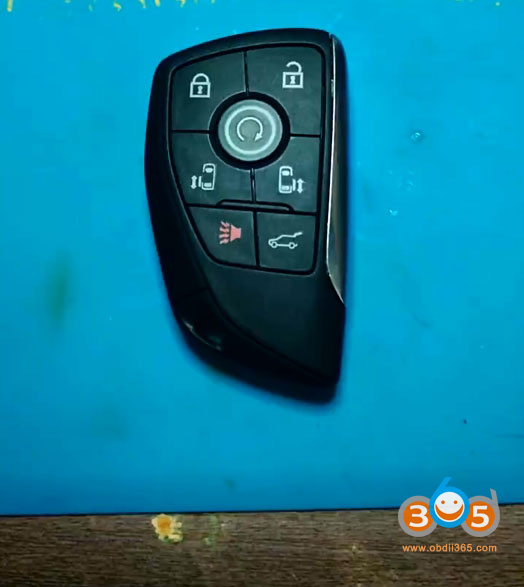
How to disassemble key shell?
Press the button on the side of the key and pull out the mechanical key.
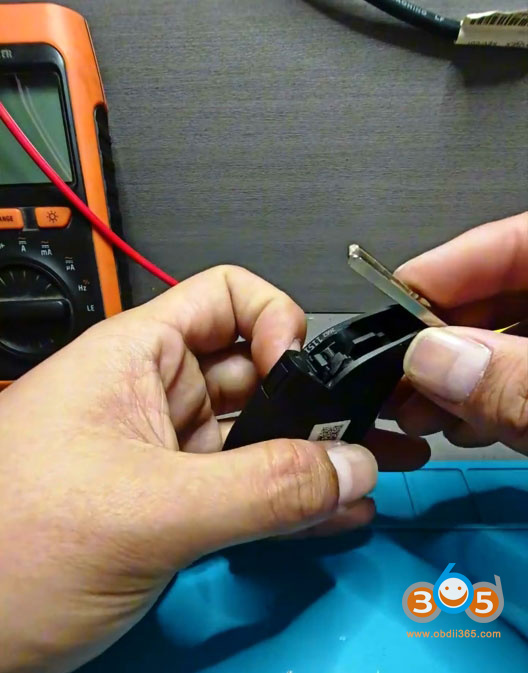
Remove the top cover of the key.
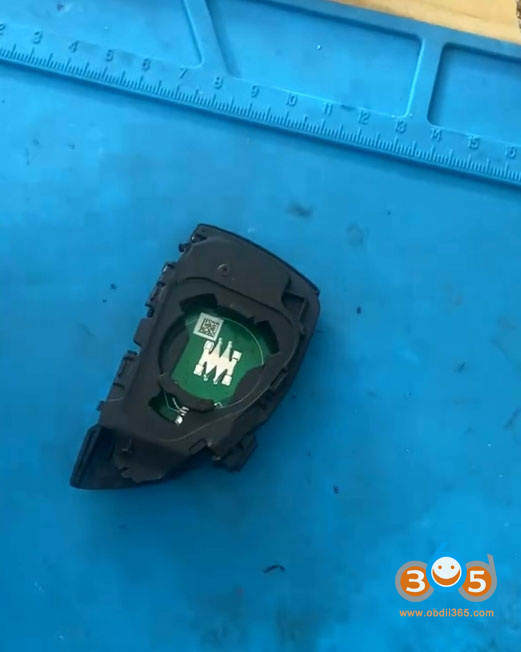
Use a utility knife or flathead screwdriver blade to carefully separate the ultrasonically welded inner shell of the key.
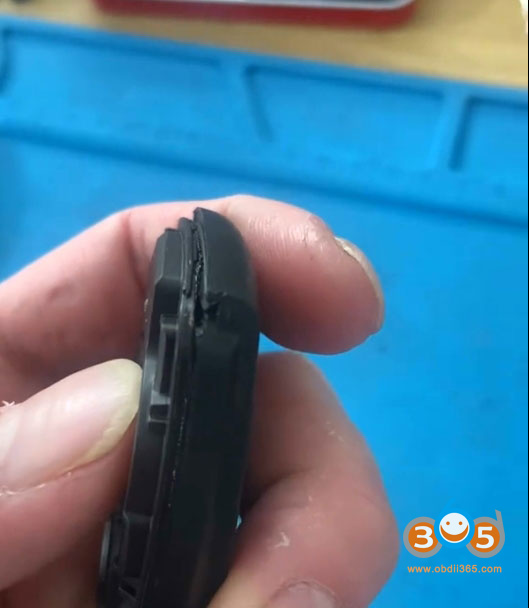
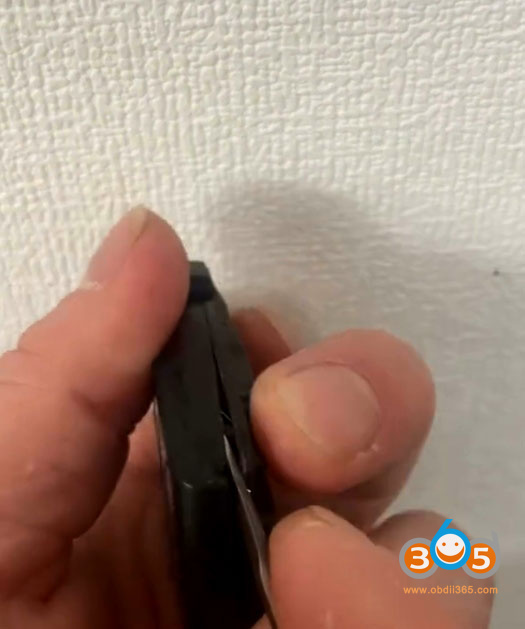
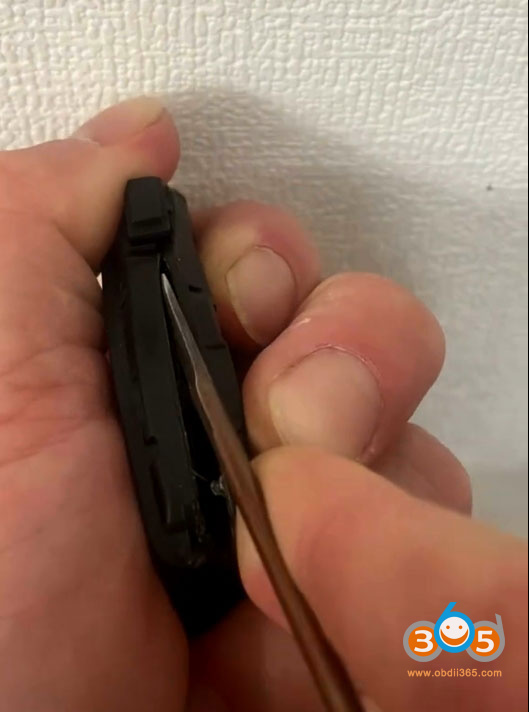
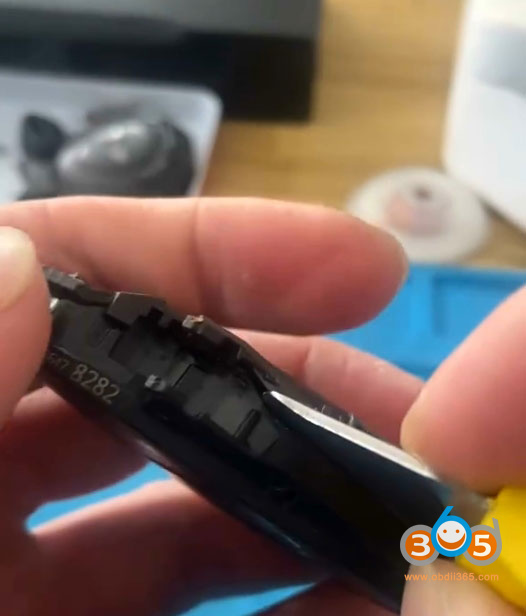
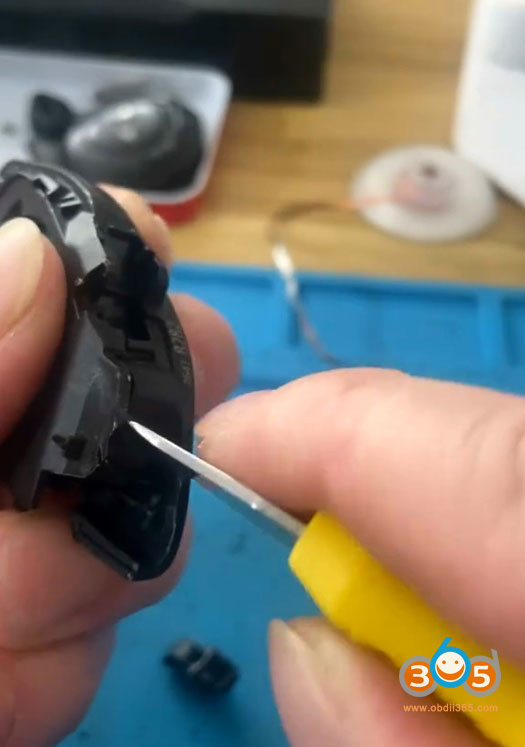
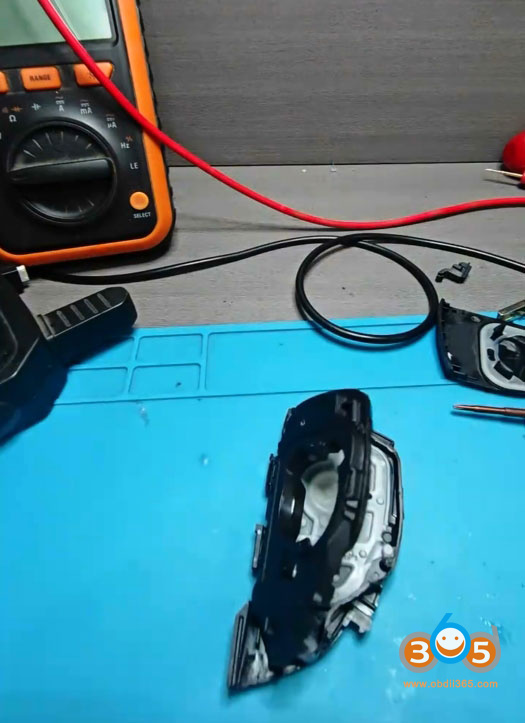
Exercise extreme caution when prying open the inner shell.
Once opened, you will see the coin cell battery. Battery model: CR2450.
In this particular case, the original key had been water-damaged. After removing the key circuit board, no frequency could be detected.
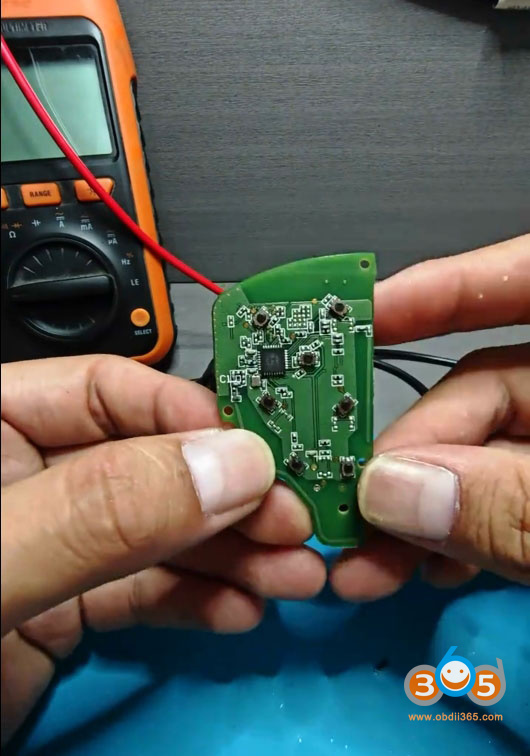
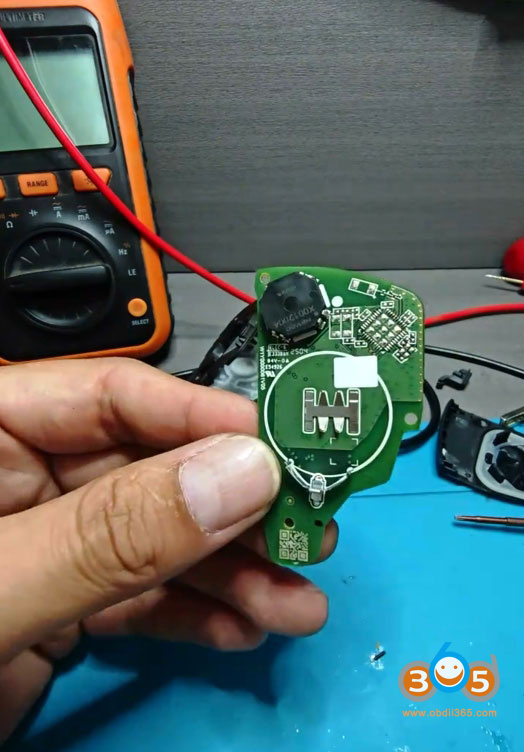
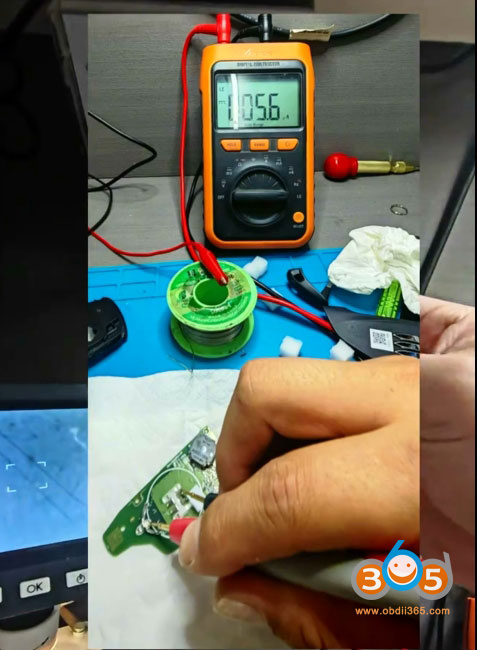
A Xhorse digital multimeter test revealed a leakage current issue on the board.
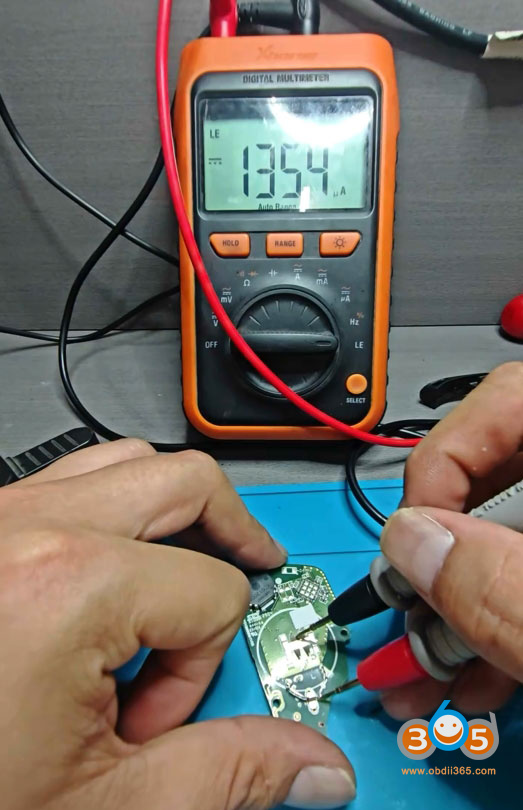
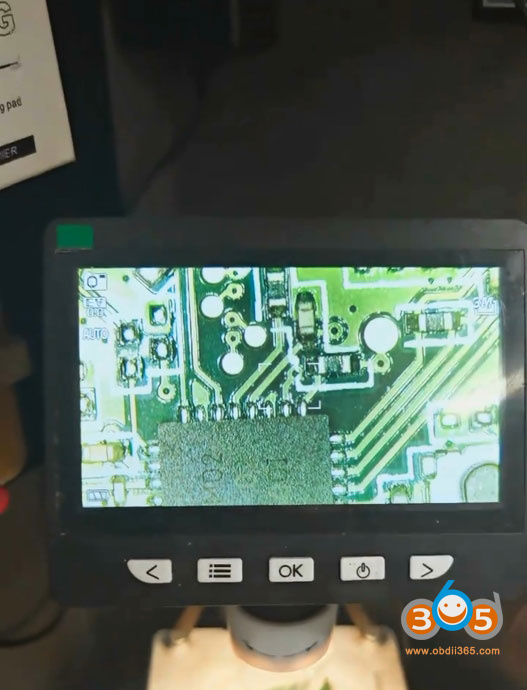
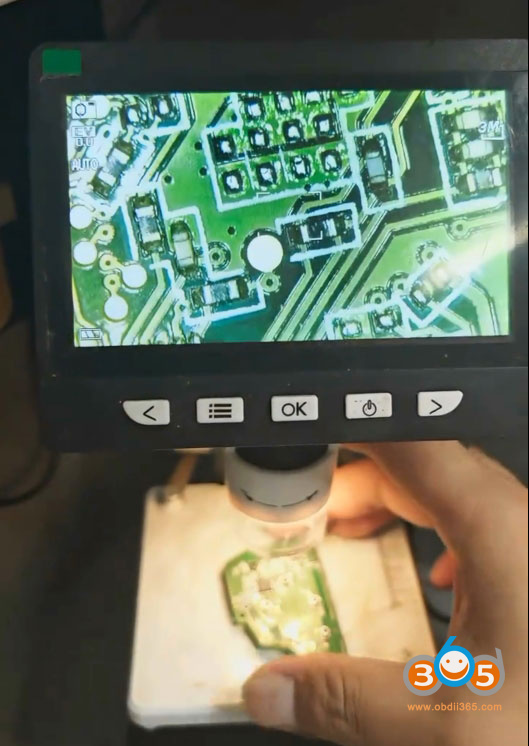
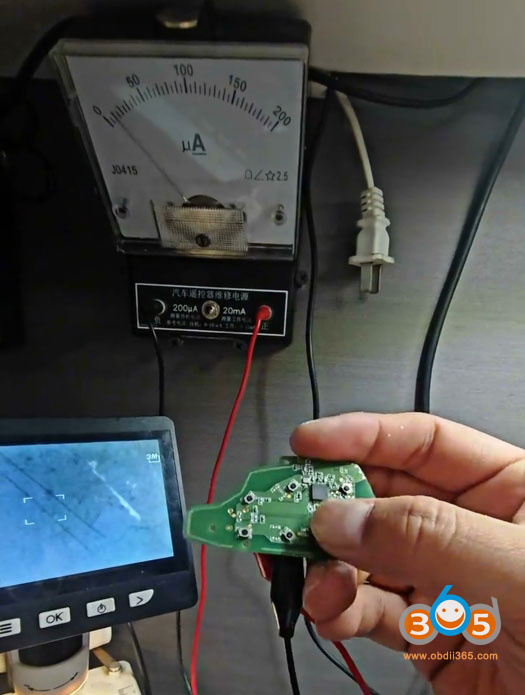
After repairing the key, current draw was measured and found to be within normal limits, and frequency detection was successfully restored. Key repair completed.
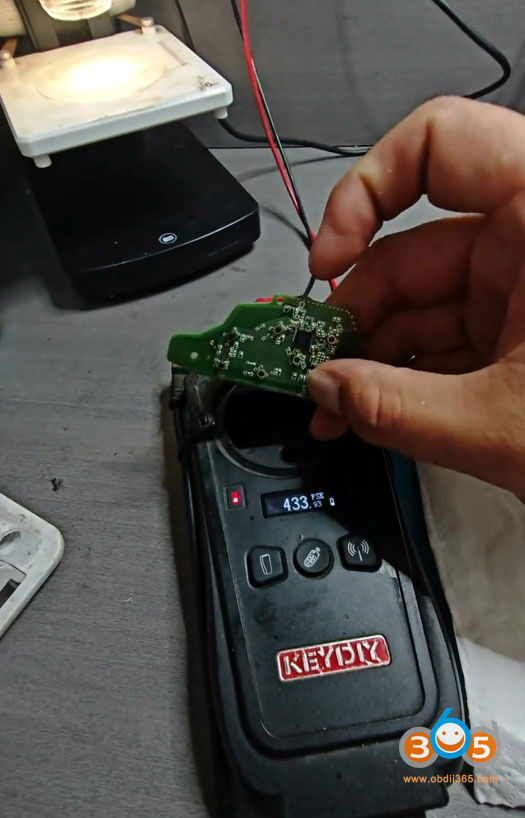
Keydiy KD-X2 detects key frequency.