


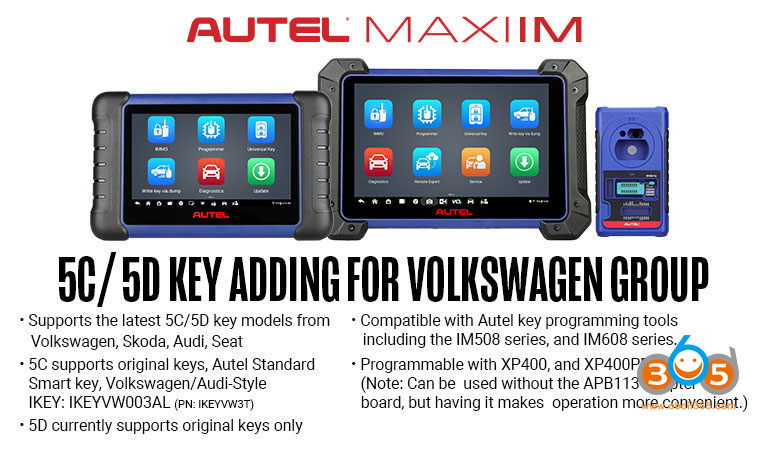
Brilliant news. Autel MaxiIM IM508/IM608 series will release VAG MQB49 5C/5D immo function on March 19th, 2026.
5C/5D KEY ADDING FOR VOLKSWAGEN GROUP:
- Supports the latest MQB49 5C/5D key models from Volkswagen, Skoda, Audi, Seat
- 5C supports original keys, Autel Standard Smart key, Volkswagen/Audi-Style IKEY: IKEYVW003AL (PN: IKEYVW3T)
- Compatible with Autel key programming tools including the IM508 series, and IM608 series.
- Programmable with XP400, and XP400PRO.
(Note: Can be used without the APB113 adapter board, but having it makes operation more convenient.) - 5D currently supports original keys only.
No extra license. But the MaxiIM device must be within the subscription.
How to Add VAG MQB49 5C/5D Key with Autel IM508/IM608?
Step 1: Read original key data
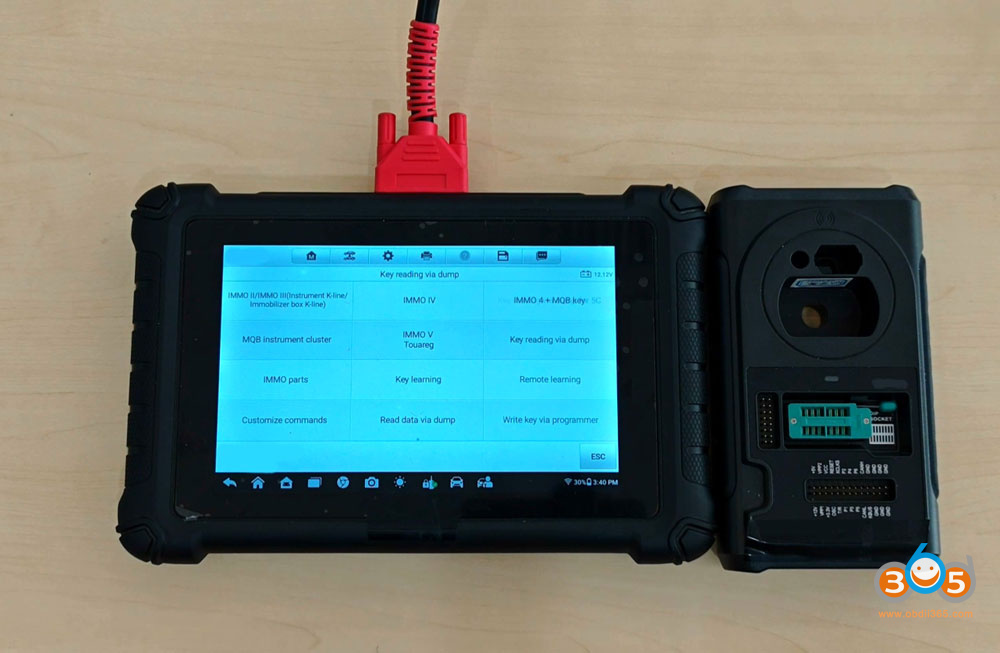
Go to Expert Mode.
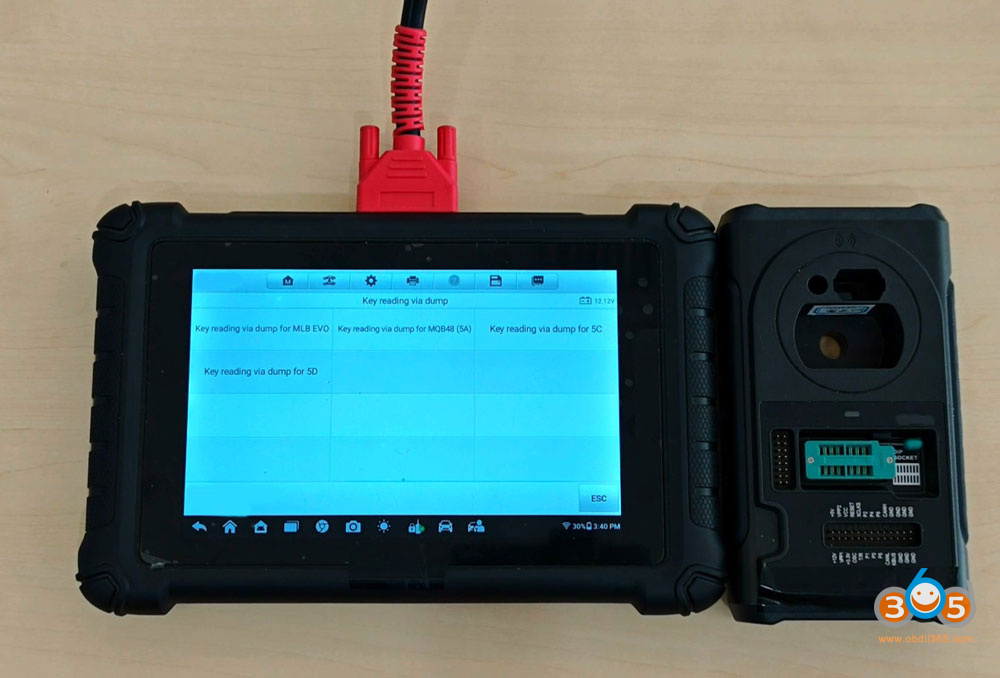
Select Key reading via dump- Key reading via dump for 5C or 5D
Read vehicle information
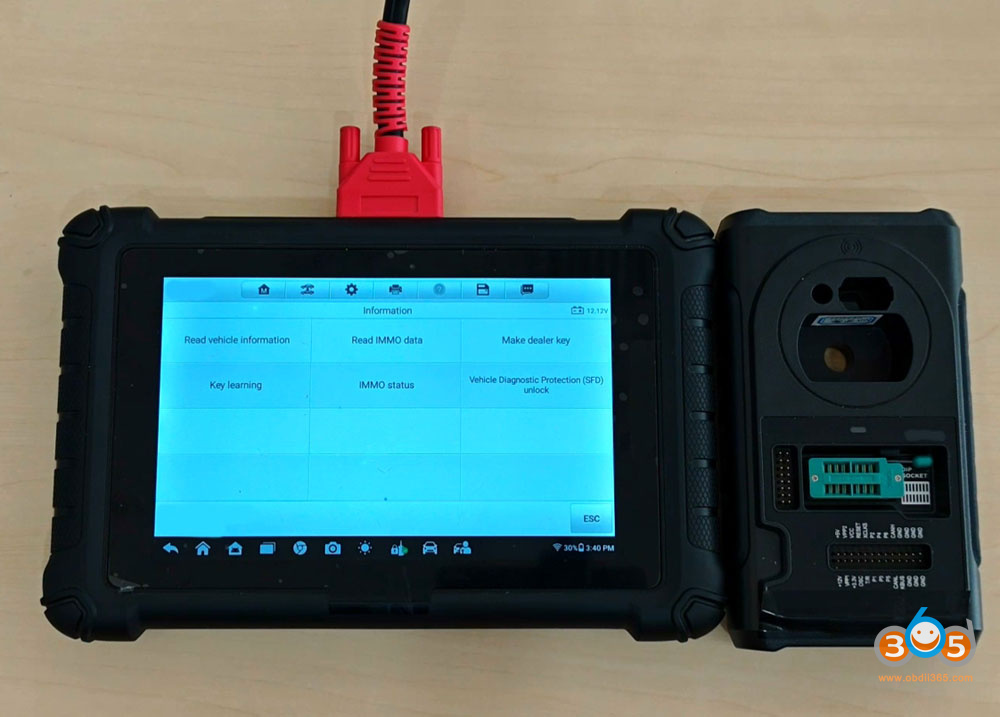
Read vehicle info and confirm.
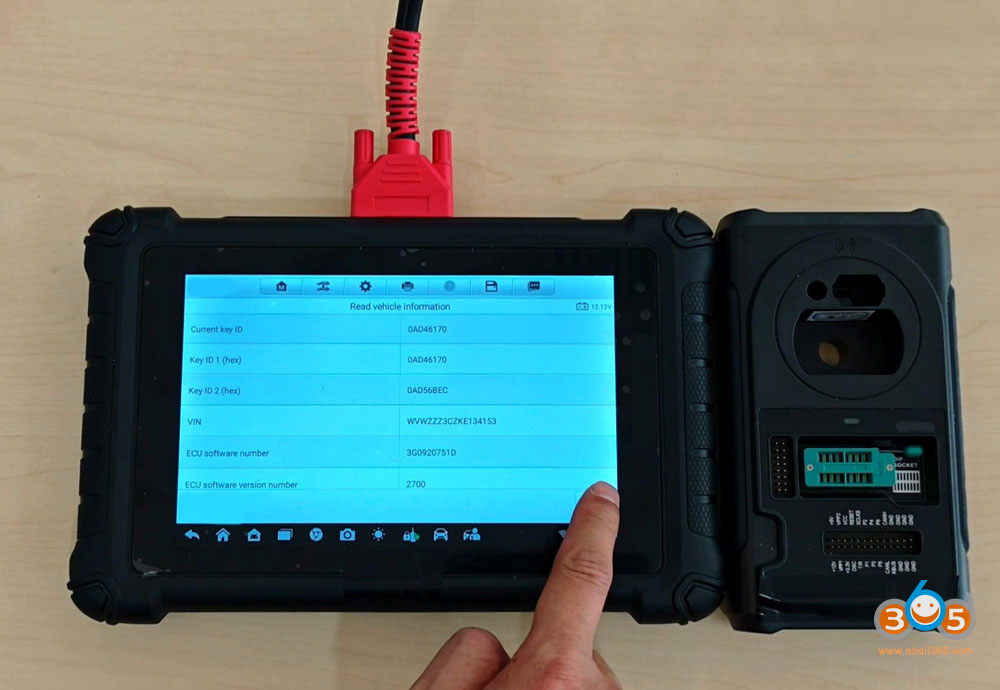
Hit OK to continue.
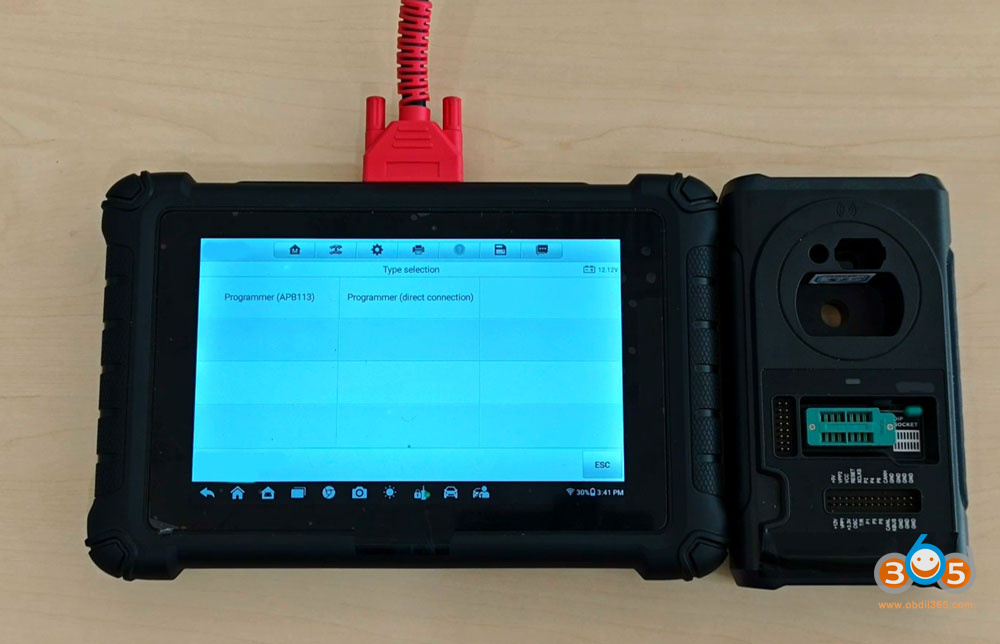
Choose with programmer APB113 or direct connection. APB113 adapter is easier.
Autel will display key wiring diagram. Select one that matches your original key.
Disassemble original key board.
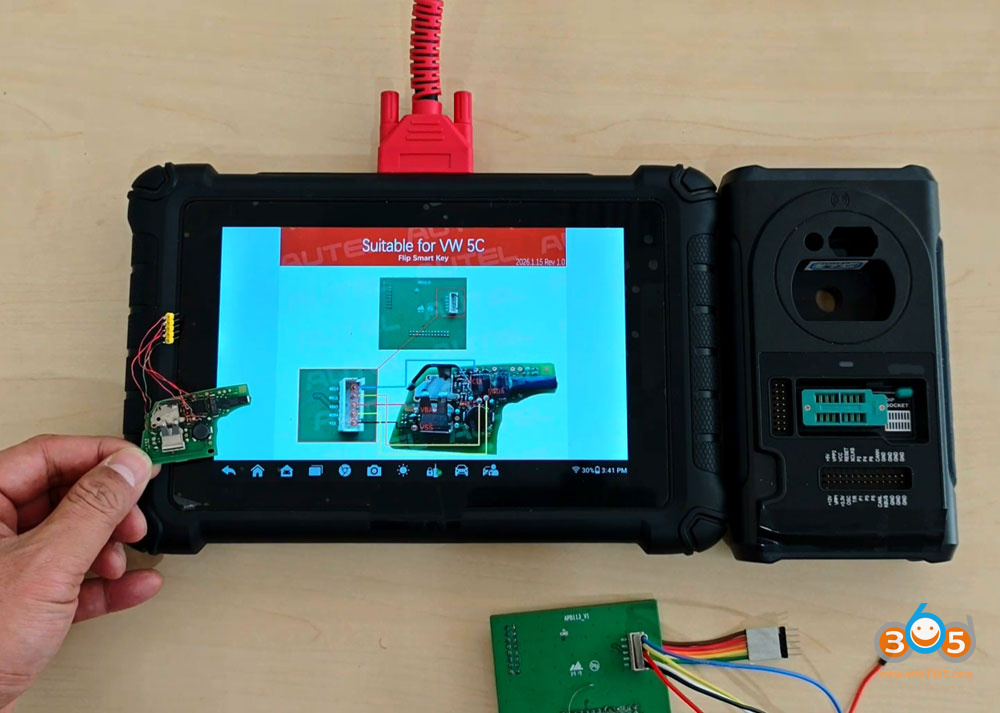
Connect the APB113 adapter with original key PCB following the wiring diagram.
Connect APB113 adapter with XP400 or XP400 Pro. Connect XP400 with IM508/IM608 tablet.
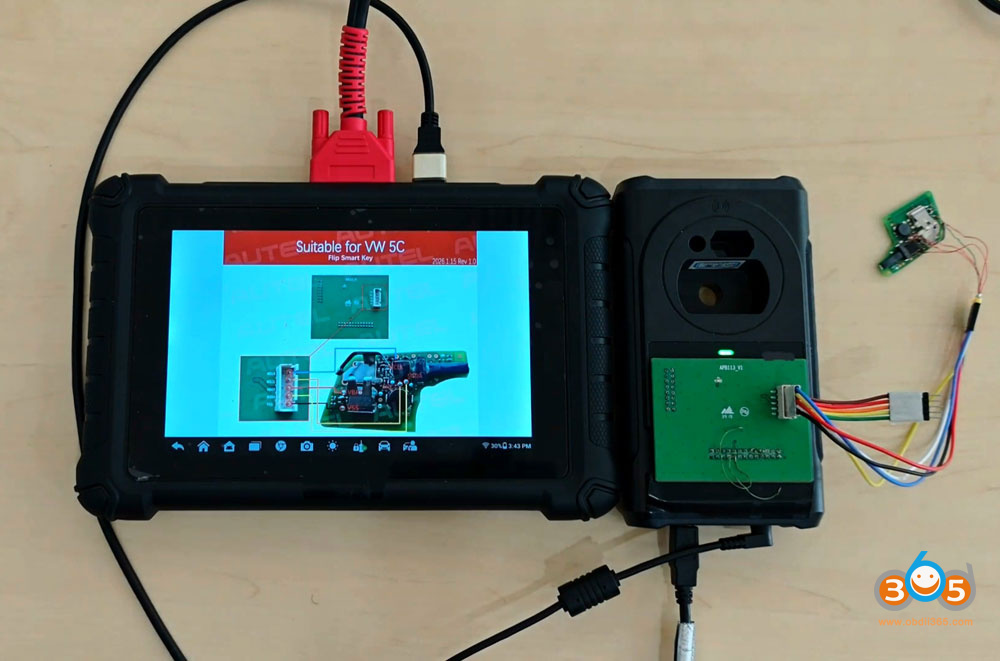
Read IMMO Data.
Read and save immo data.
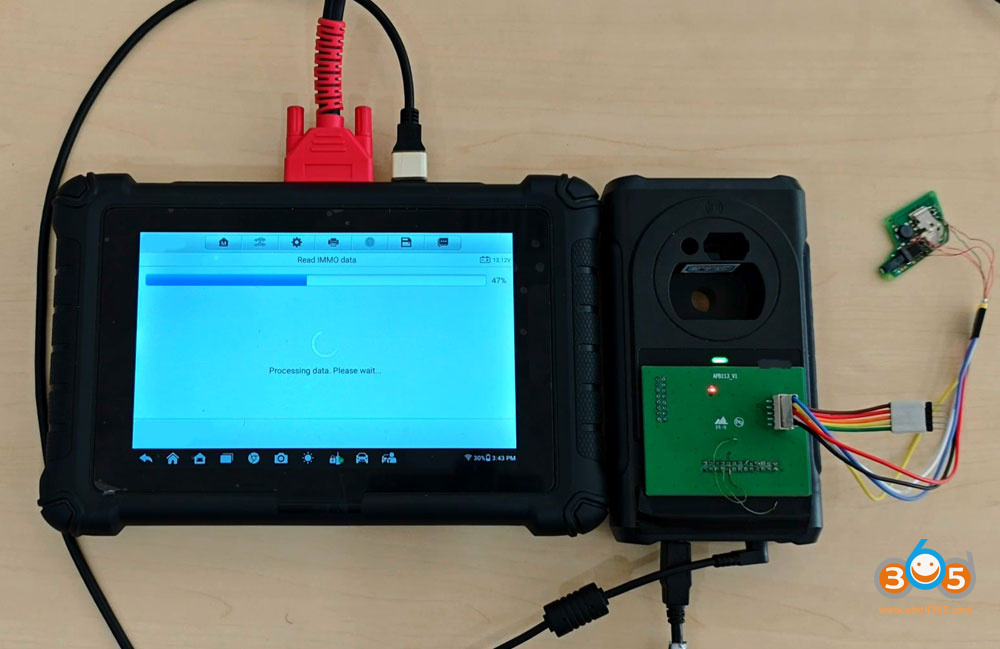
Step 2: Make dealer key
Select Make dealer key.
Select Make dealer key (wiring). If you need to add an original key, need to disassemble original key as well.
Disconnect original key.
Connect a new key to be programmed with APB113 following the same wiring diagram.
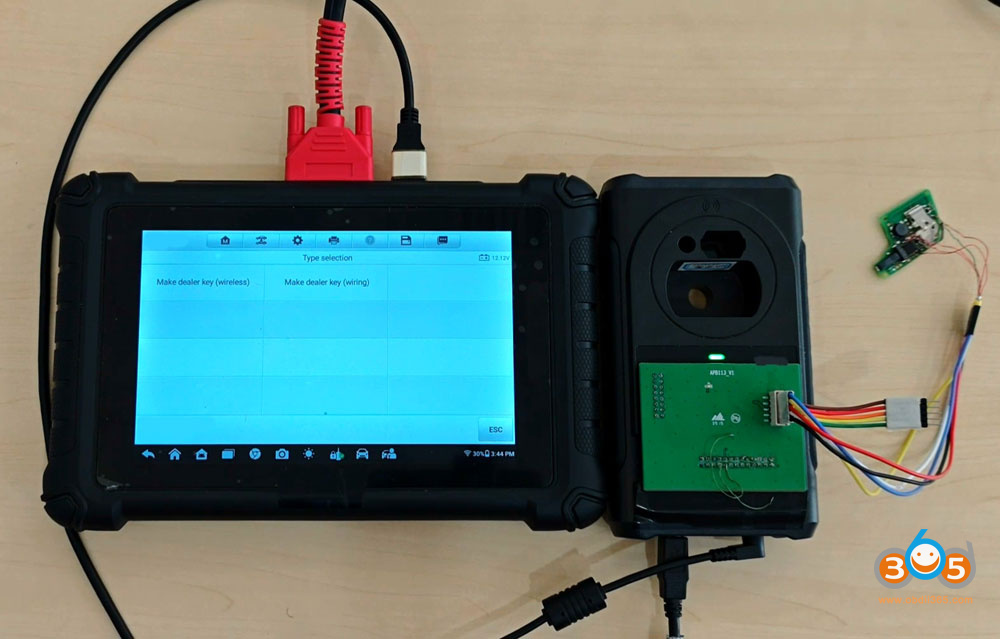
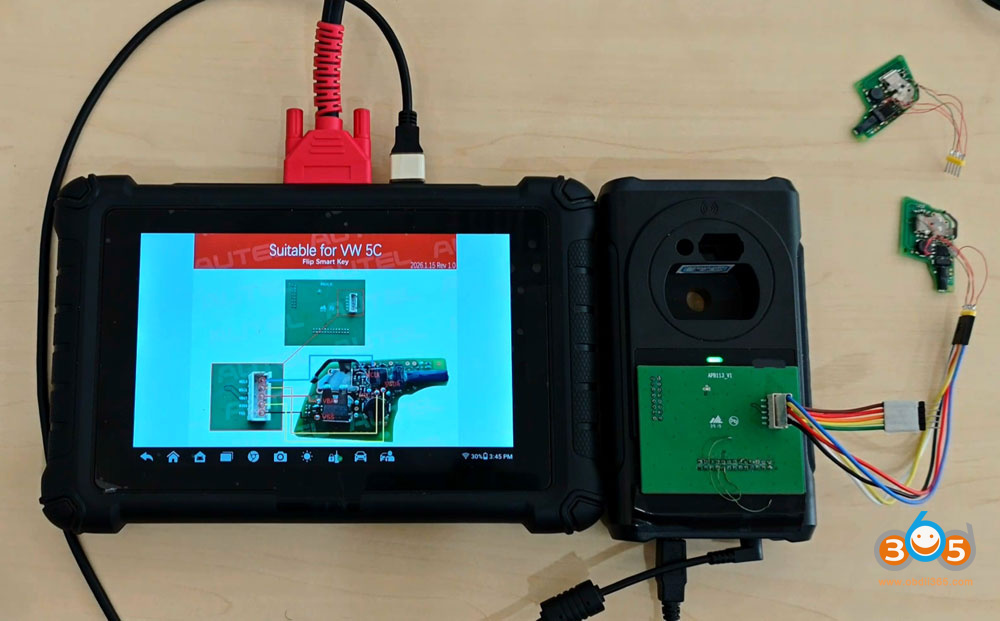
Select the immo data saved in step 1.
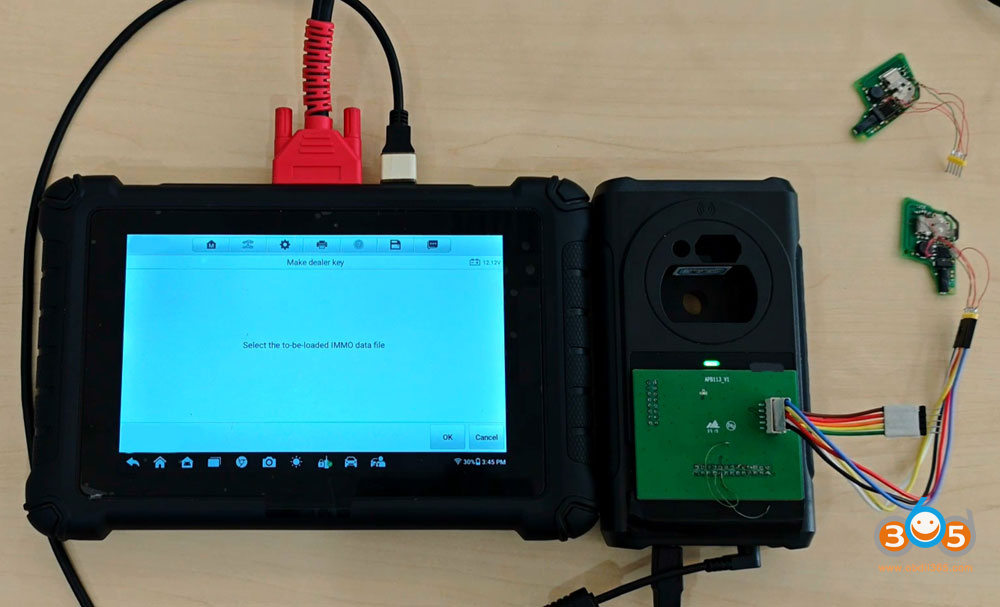
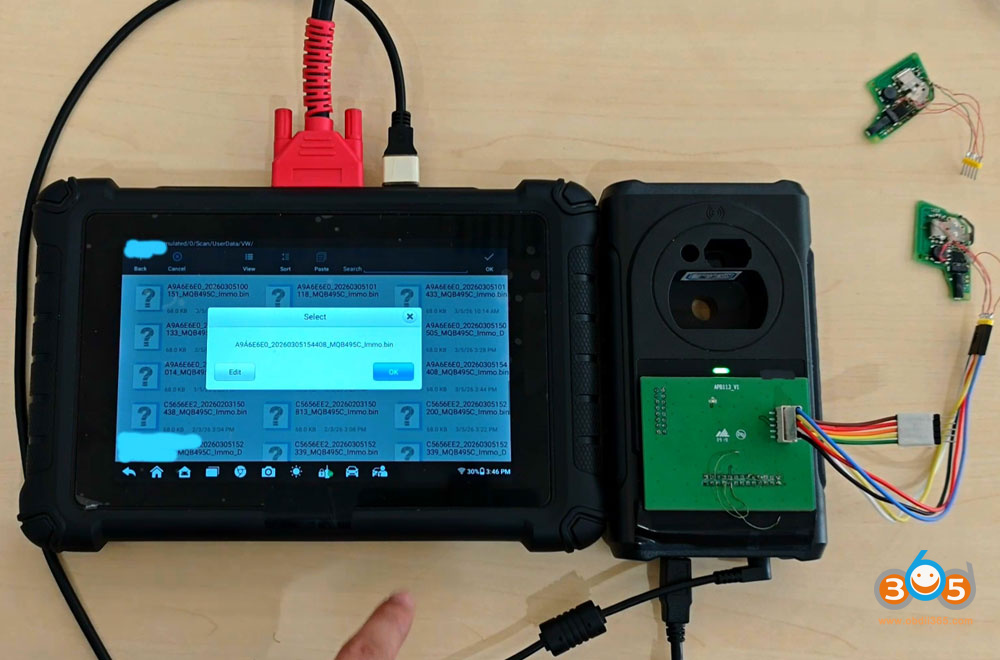
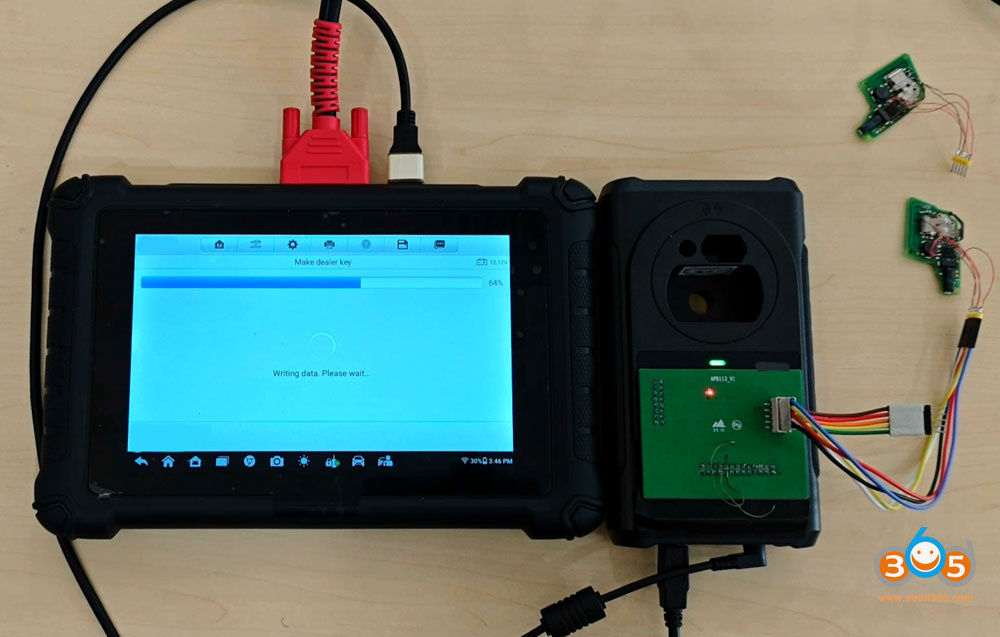
Writing key data.
Make dealer key successfully.
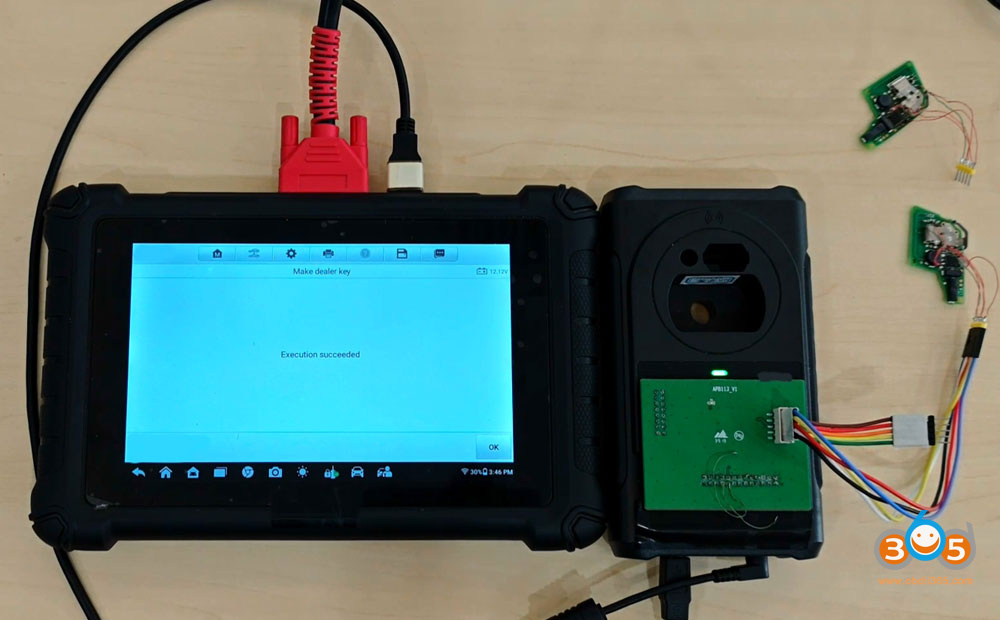
Disconnect key board from APB113. Disconnect APB113 from XP400 programmer.
Step 3: Unlock SFD
For some 2023 models with SFD security gateway, need to unlock SFD first. If the car does not have SFD gateway, go directly to Step 4 to learn key.
Select SFD Unlock function.
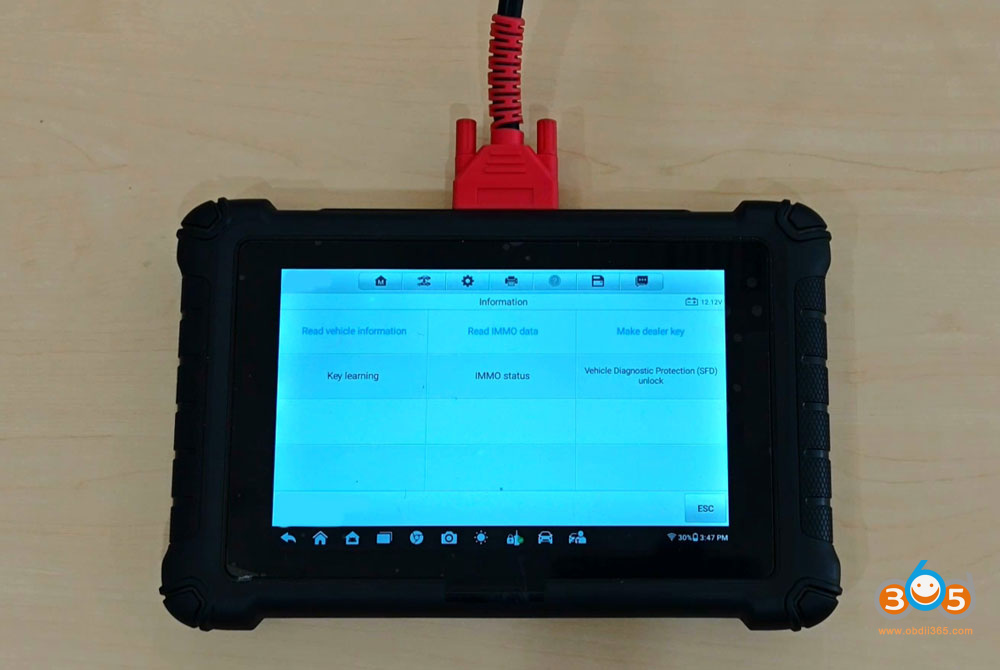
The SFD is locked. Select Manually unlock SFD.
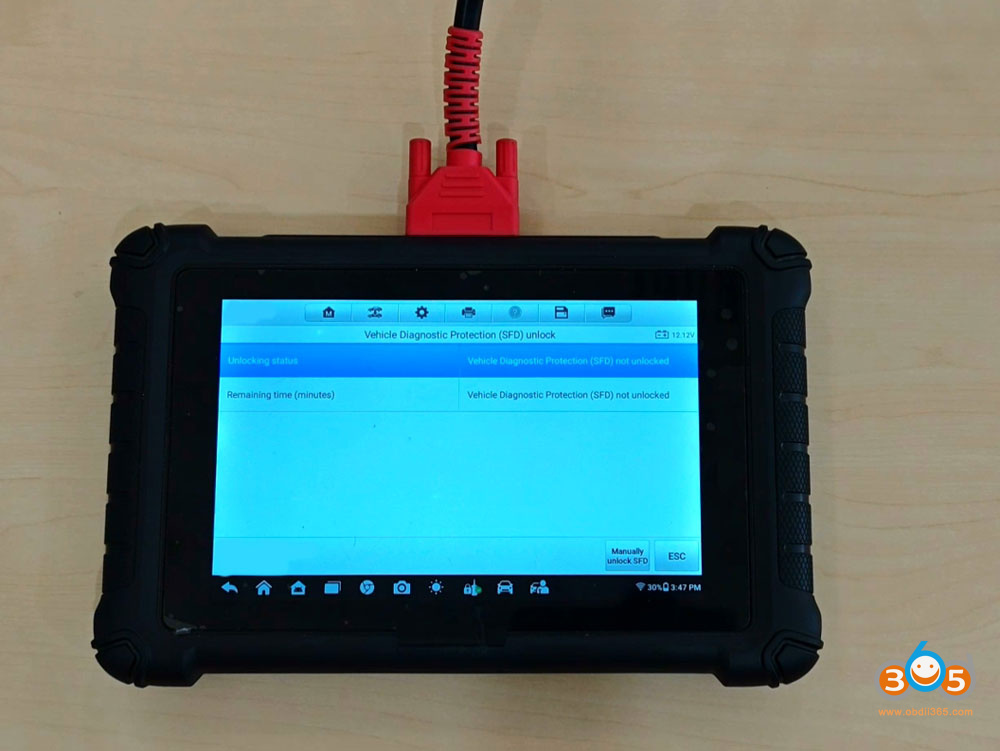
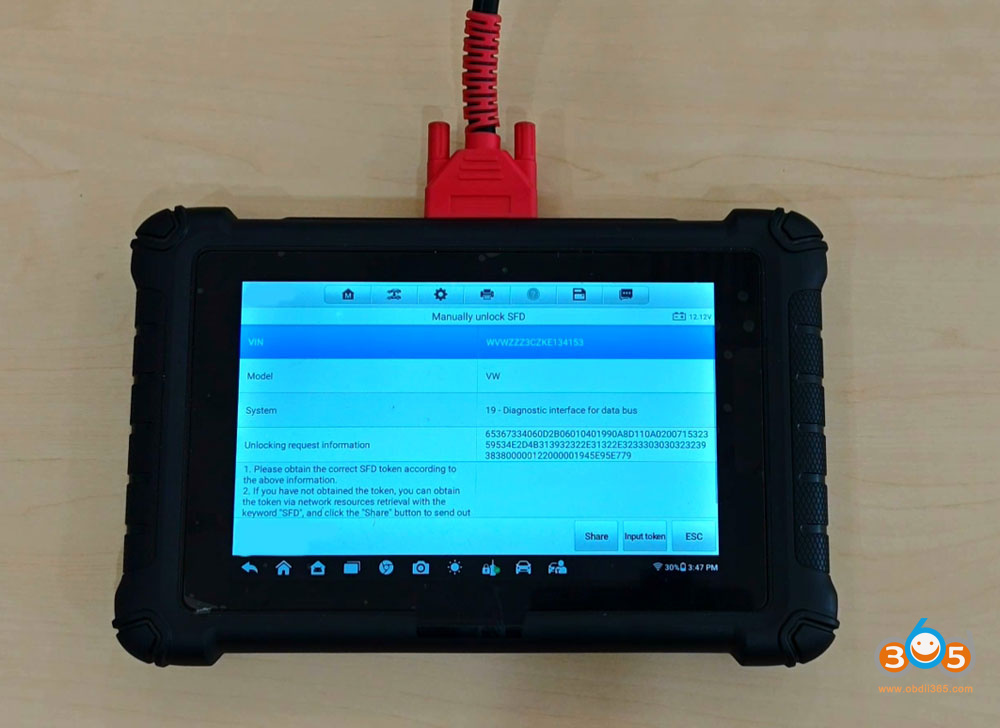
Send the unlocking request information to 3rd party or buy Autel’s 1 SFD Token service to get unlock code. Select Input token.
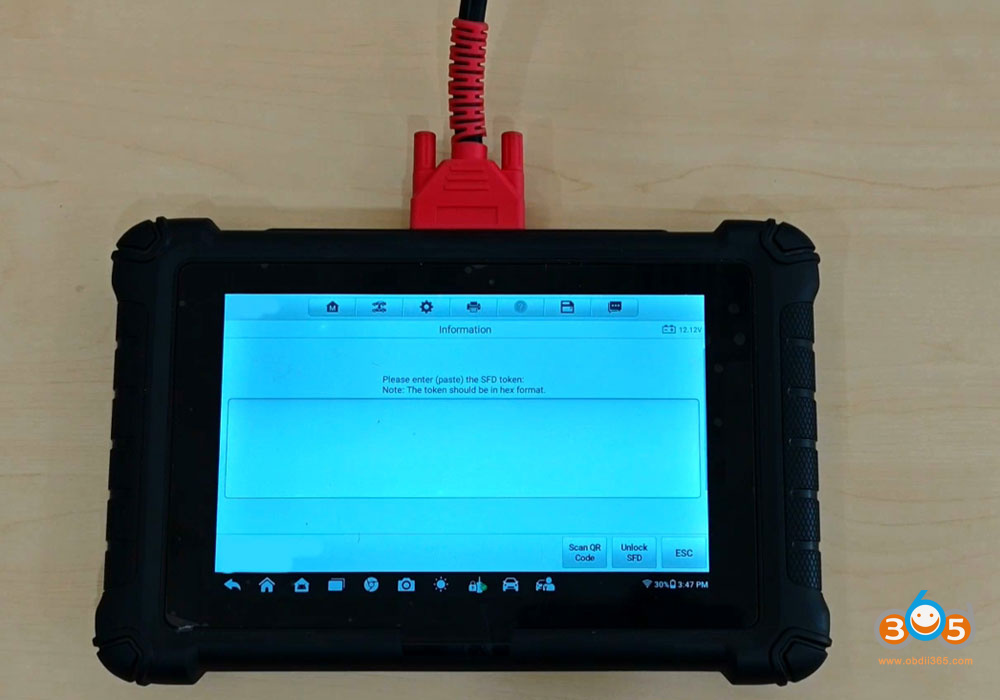
Input the SFD token here to unlock SFD.
Unlock SFD successfully.
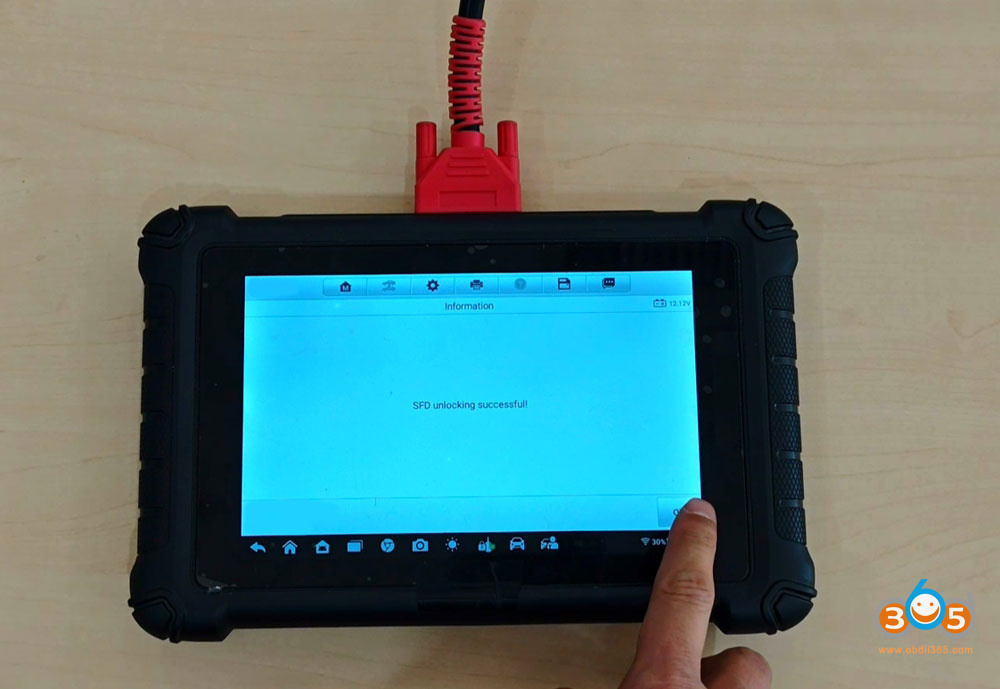
Finish key learning in 90 minutes.
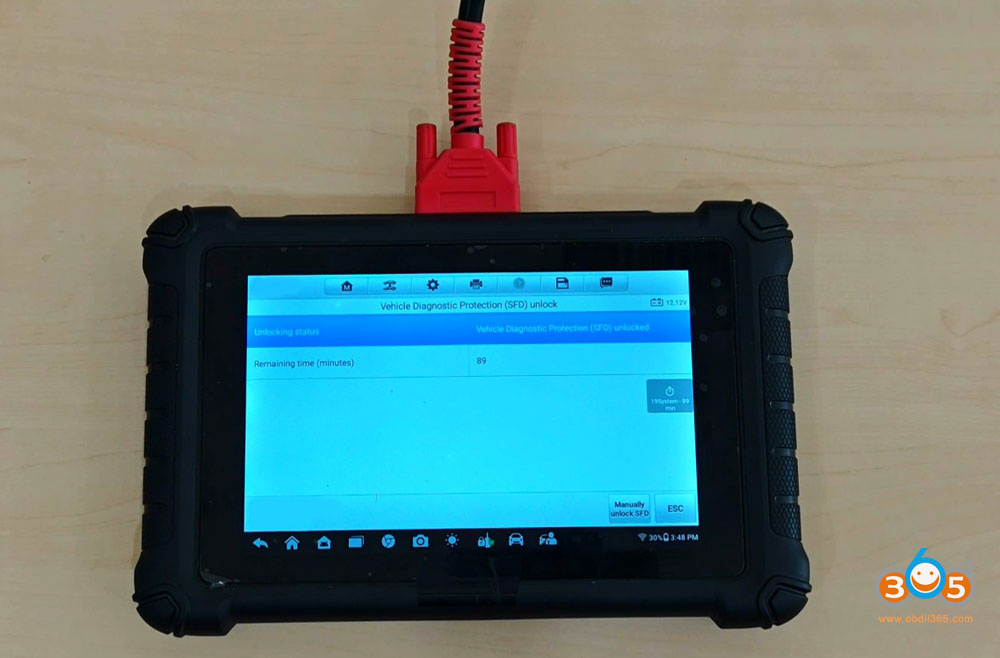
NOTE: Autel also supports unlocking SFD automatically within device. Need to activate SFD unlock authorization.
Step 4: Learn Key
Select Key learning.
Select the immo data saved in Step 1 again.
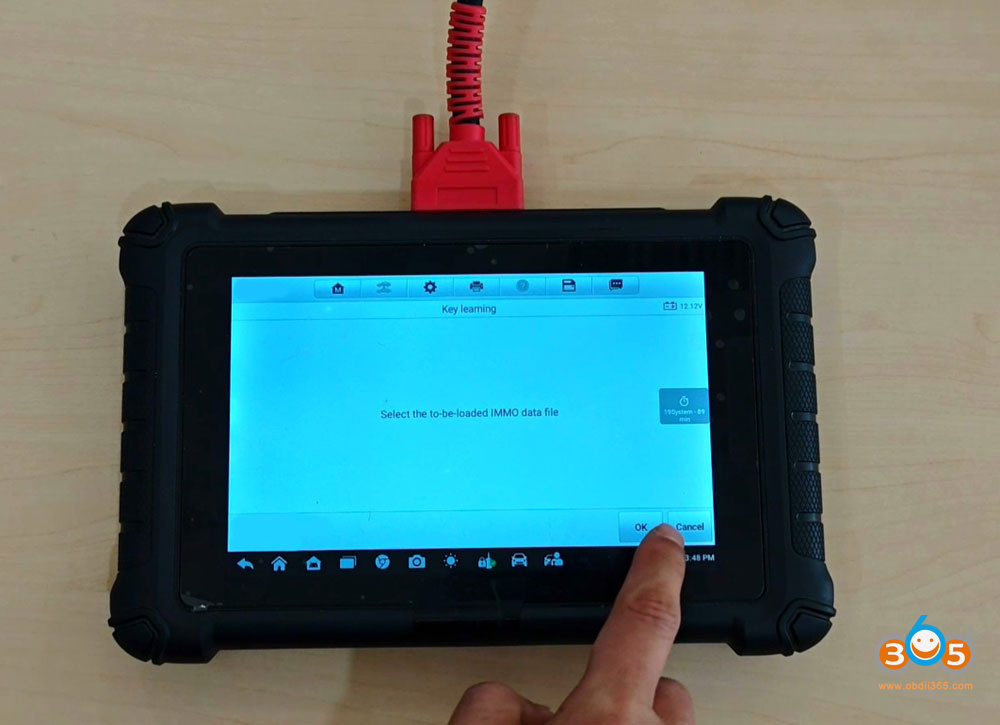
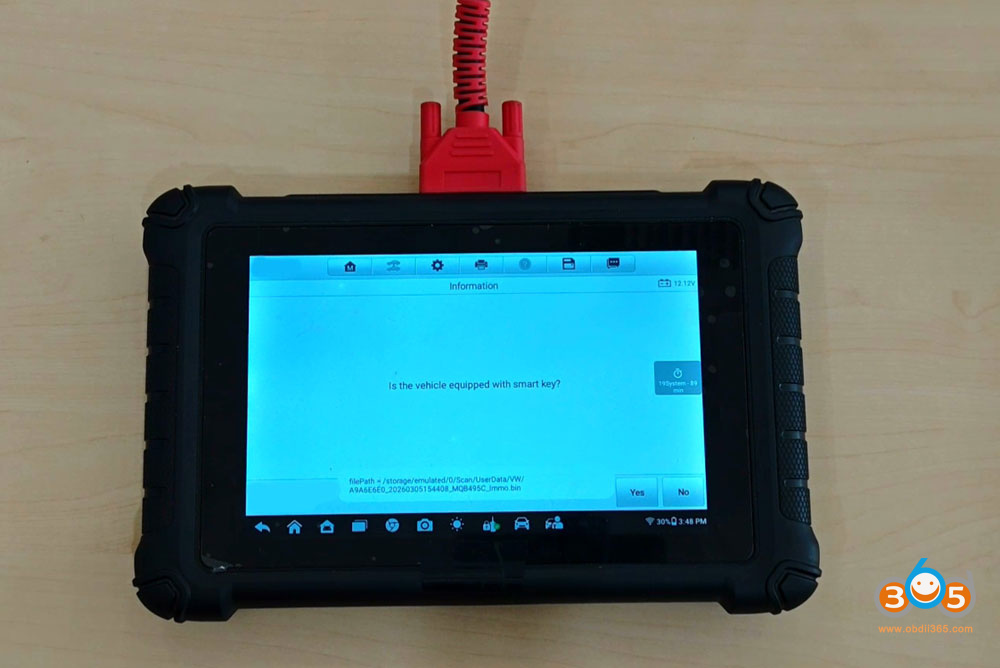
Verify if the vehicle has smart key or not.
All keys need to be learned.
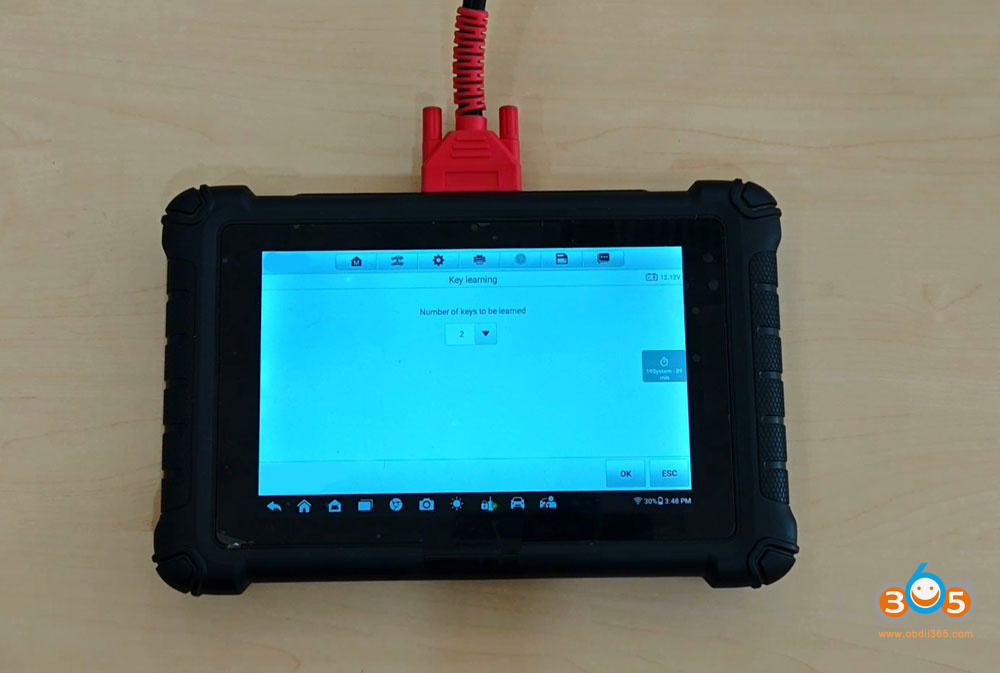
Follow instrution to learn key 1 and 2.
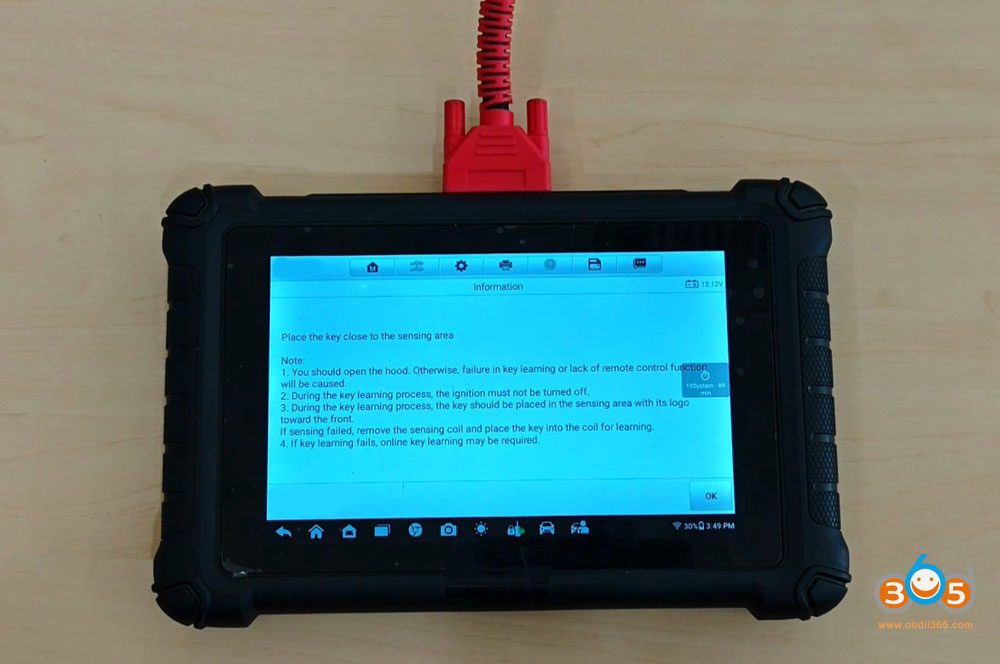
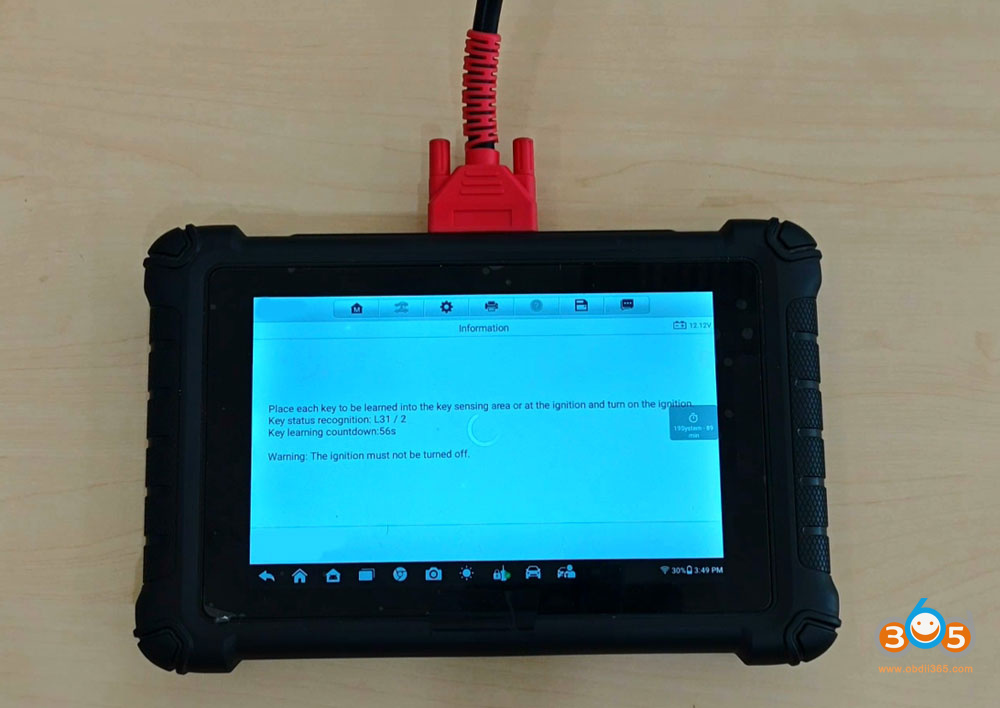
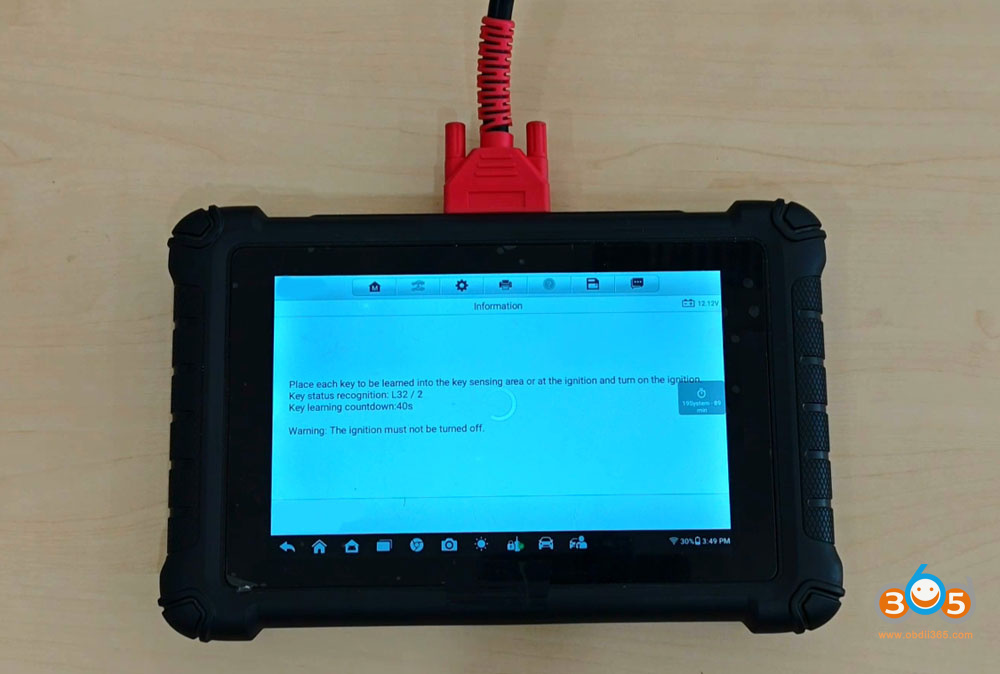
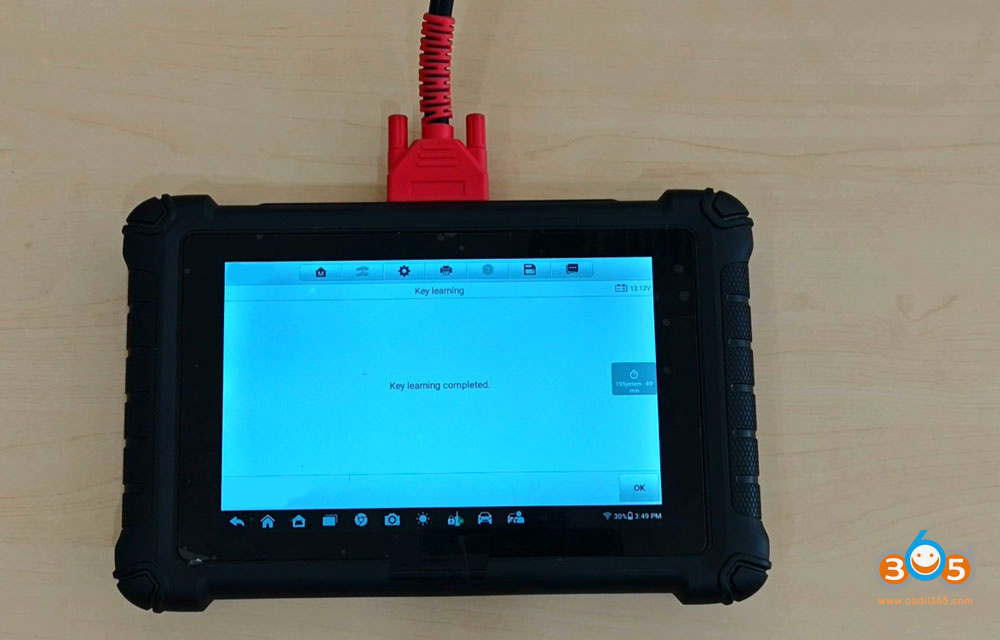
Key learning completed.
Test both keys.
Video guide: