


Today, we’re looking at a special case: cloning the Volkswagen 5C chip – a process that has recently become more accessible thanks to new functionality in the Autel KM100 programming tool.
This guide walks you through the entire procedure, from reading the original key to generating a cloned chip, while also highlighting some important caveats based on real-world testing.
Understanding the VW 5C Chip
The Volkswagen 5C chip is a transponder used in many modern VW vehicles. Traditionally, duplicating this type of key required disassembling modules, requesting security calculations, or even removing components from the car. However, new techniques now allow technicians to perform a clone based solely on reading the key itself – no need for additional module disassembly or external code requests.
Key advantage: All the necessary information can be extracted directly from the original key, streamlining the duplication process significantly.
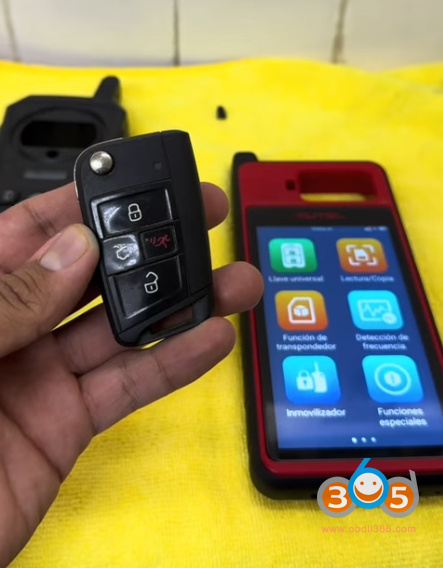
Tools Required
Autel KM100 Device – recently updated with a function specifically for cloning 5C keys.
Original VW 5C Key – the one you wish to clone.
Autel AT100 Chip – a blank transponder used to receive the cloned data.
CGDI K2 (or similar) programmer – used to read the original key’s CS data (16 bytes required).
Step 1: Read the Original Key
Before you can clone anything, you need to extract the full data from the original key. In this demonstration, a CGDI K2 device is used to connect to the key’s board via wires after opening the key housing. This process reveals the 16 bytes of data – the critical information needed for the clone.
Result: The device successfully reads the key’s identification and security data, including the 16-byte CS code required for duplication.
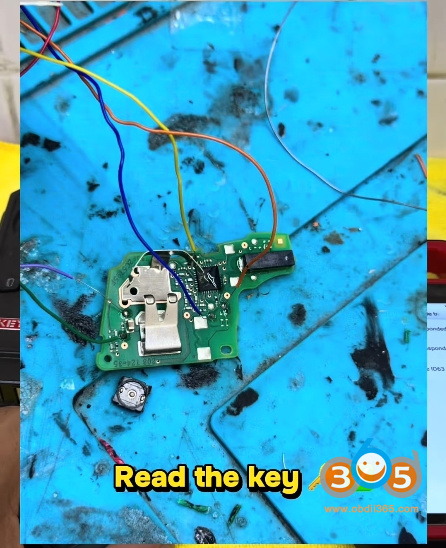
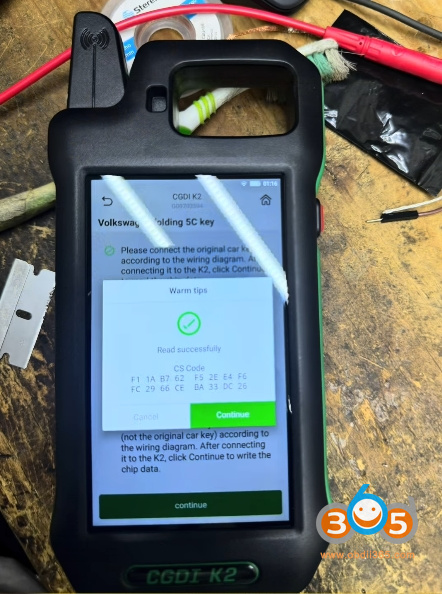
Step 2: Generate a Blank 5C Transponder (AT100)
The AT100 chip is a rewritable transponder that will receive the cloned data. Using the KM100 device:
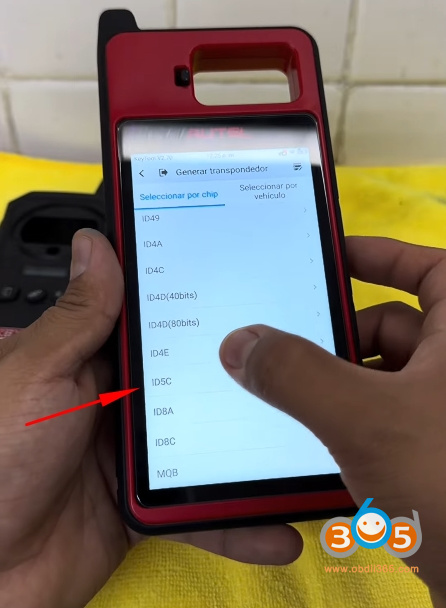
- Navigate to the Transponder Generator function.
- Select ID5C from the menu.
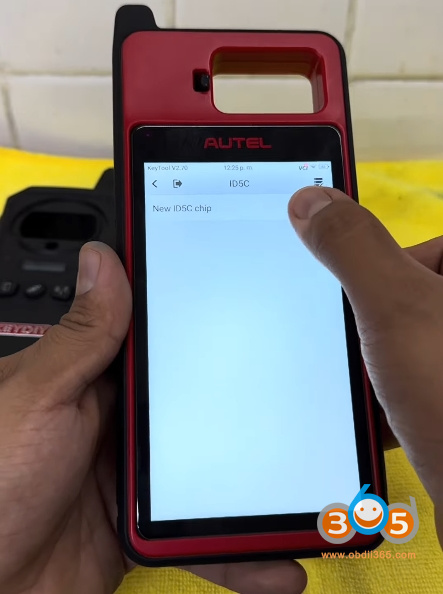
- Choose New ID 5C.
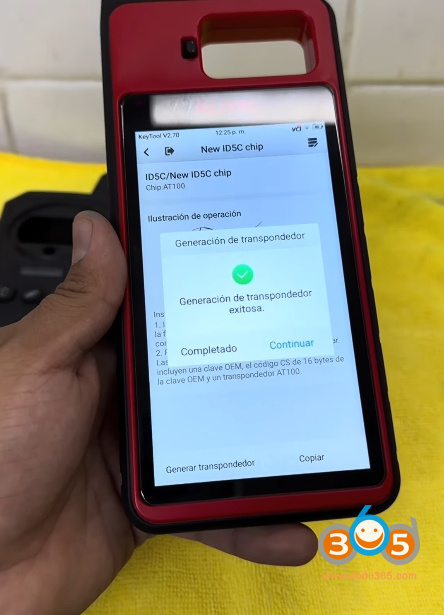
- Press Generate.
- Confirm completion.
At this point, you have a freshly generated blank 5C chip ready to be written with the original key’s data.
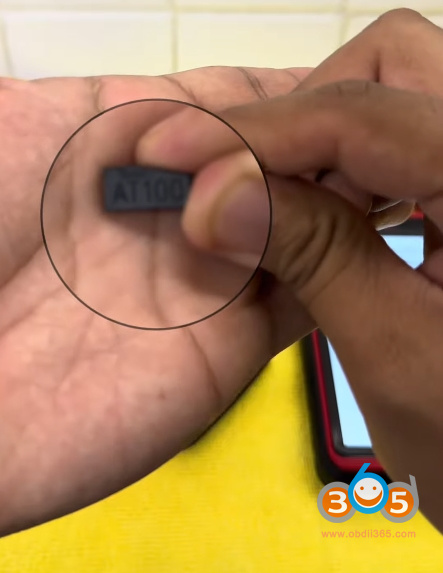
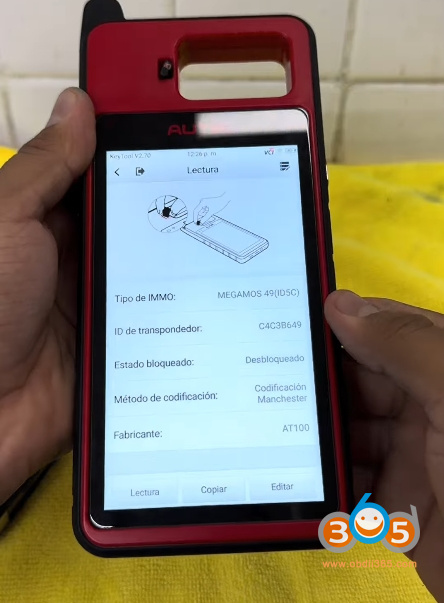
Step 3: Verify Original and Blank Chip IDs
For reference, read both chips:
Original key: Shows ID ending with “C” (e.g., “…CER”) and displays a closed padlock icon – indicating the chip is locked.
Generated blank chip: Shows a different ID initially and displays an open padlock icon – indicating it is unlocked.
This distinction is crucial, as it reveals one of the main uncertainties about the cloning process.
Step 4: Perform the Cloning Procedure
Now comes the core cloning process using the KM100 device:
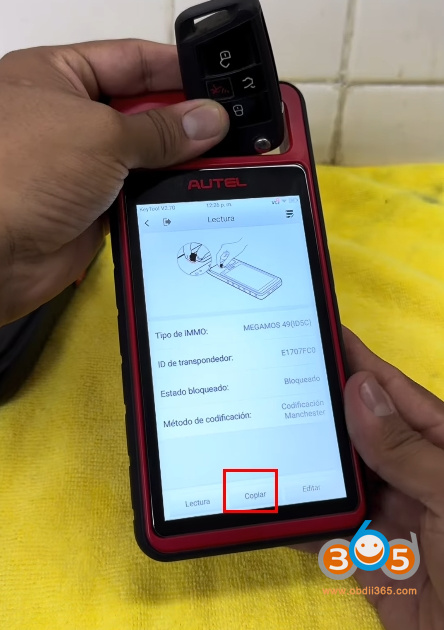
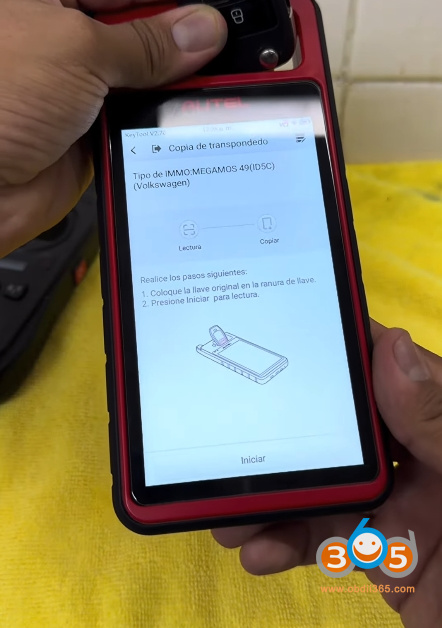
- Place the original key in the reader slot.
- Press Read to confirm the chip is detected.
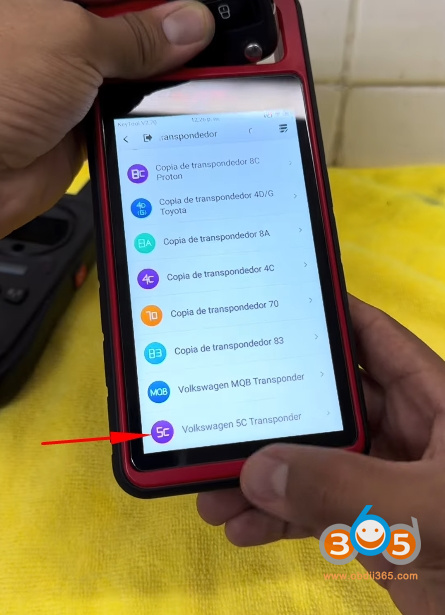
- Select Copy from the menu.
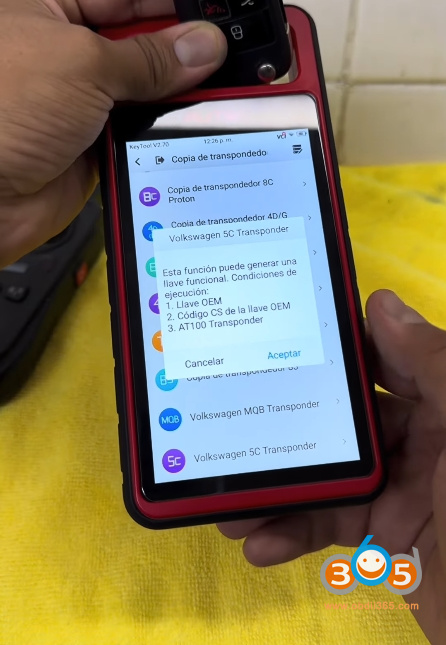
- Choose the Volkswagen 5C option.
- Press Accept and then Start.
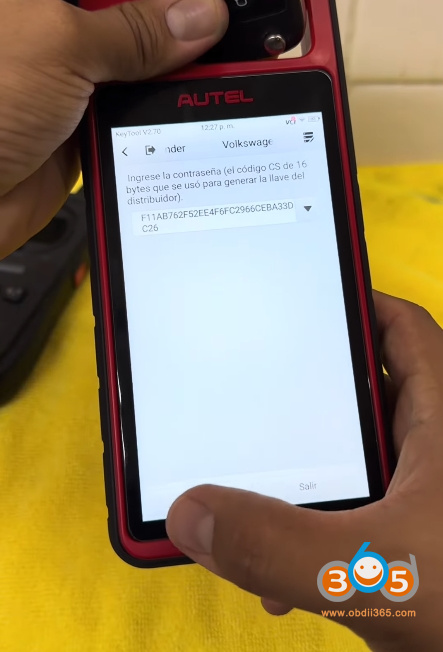
- Enter the 16 byte cs code security components (obtained from the earlier reading).
- Press Accept – the device will begin reading the key’s information.
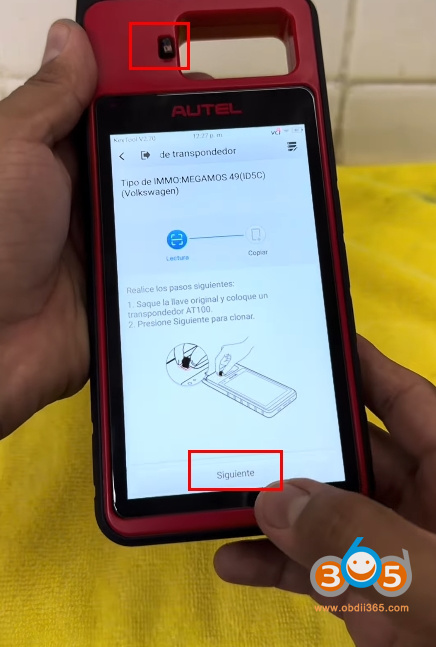
- When prompted, remove the original key and insert the AT100 chip into slot T1.
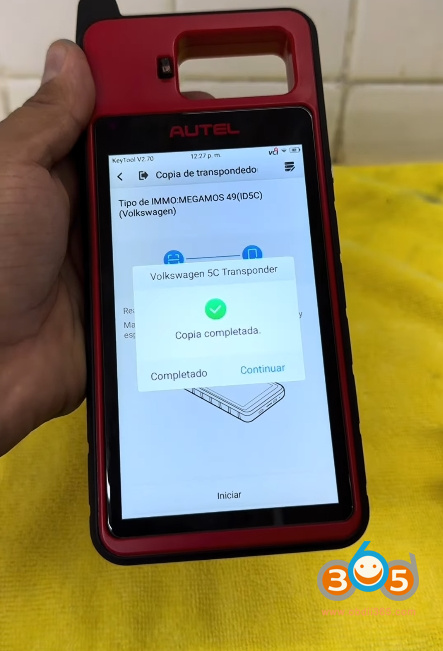
- Press Next and wait for the copy to complete.
- Confirm completion when prompted.
Step 5: Verify the Cloned Chip
After the cloning process, read the newly written AT100 chip:
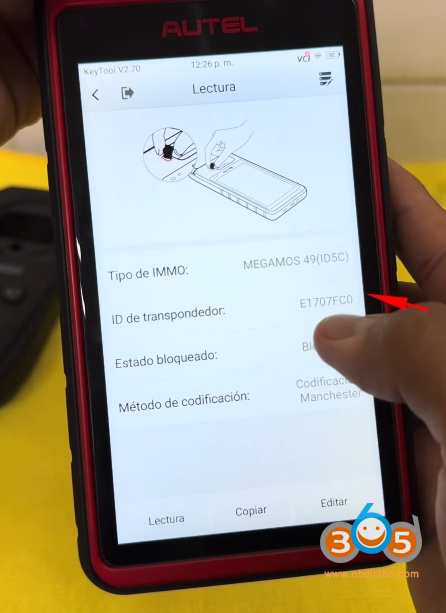
The ID now matches the original key’s ID.
However, the padlock icon remains open – indicating the chip is still unlocked.
In contrast, when you read the original key again, it shows a closed padlock. This difference raises an important question: does the unlock state affect the clone’s functionality in the vehicle?
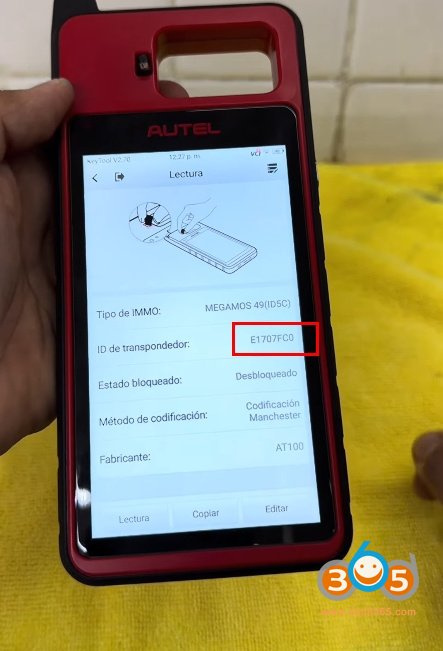
The copied AT100 5C key only contains the immobilizer (transponder) data. It can only be used for emergency starting by holding it against the ignition switch. The smart key functions—such as keyless entry and push-button start—require OBD matching through the IMMO menu to be fully enabled.
Final Thoughts
Cloning a Volkswagen 5C key is no longer a mysterious process reserved for dealerships. With the right tools – especially the KM100 with its latest update – you can read, generate, and write 5C transponders without touching the car’s modules.
However, the open vs. closed padlock discrepancy means that full verification requires real-world vehicle testing. If you have access to a test car, give this procedure a try and see if the clone starts the engine reliably.